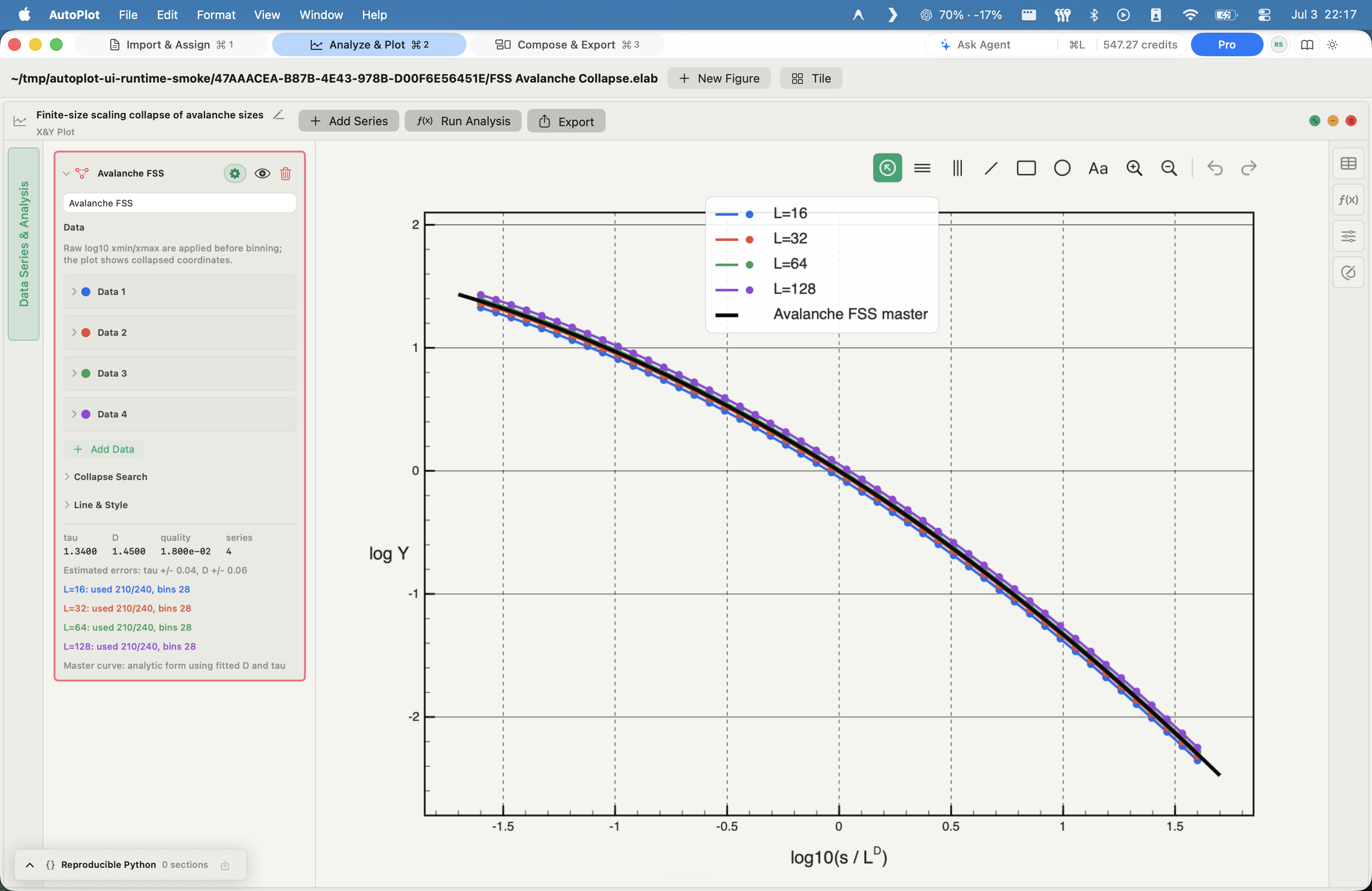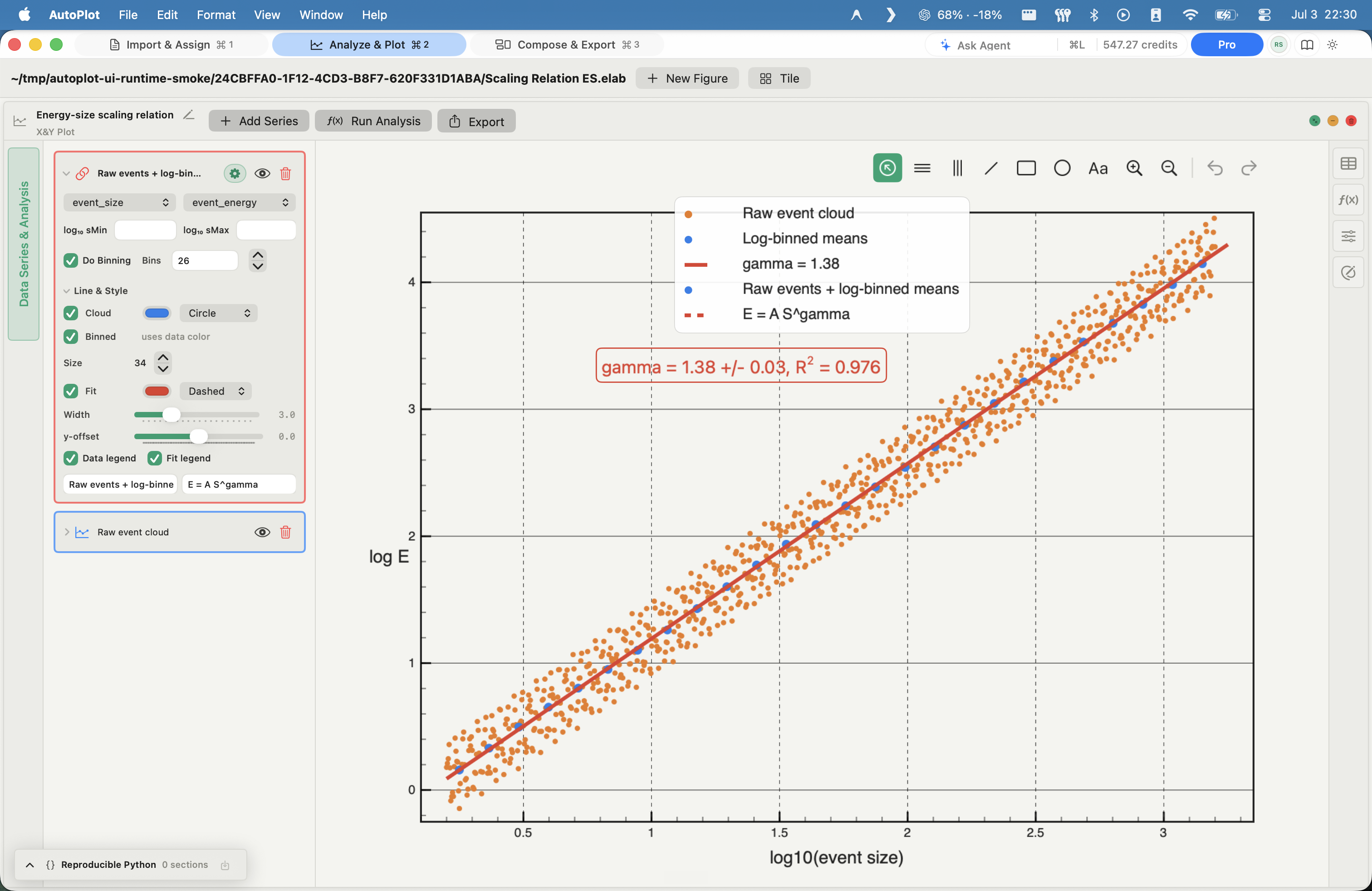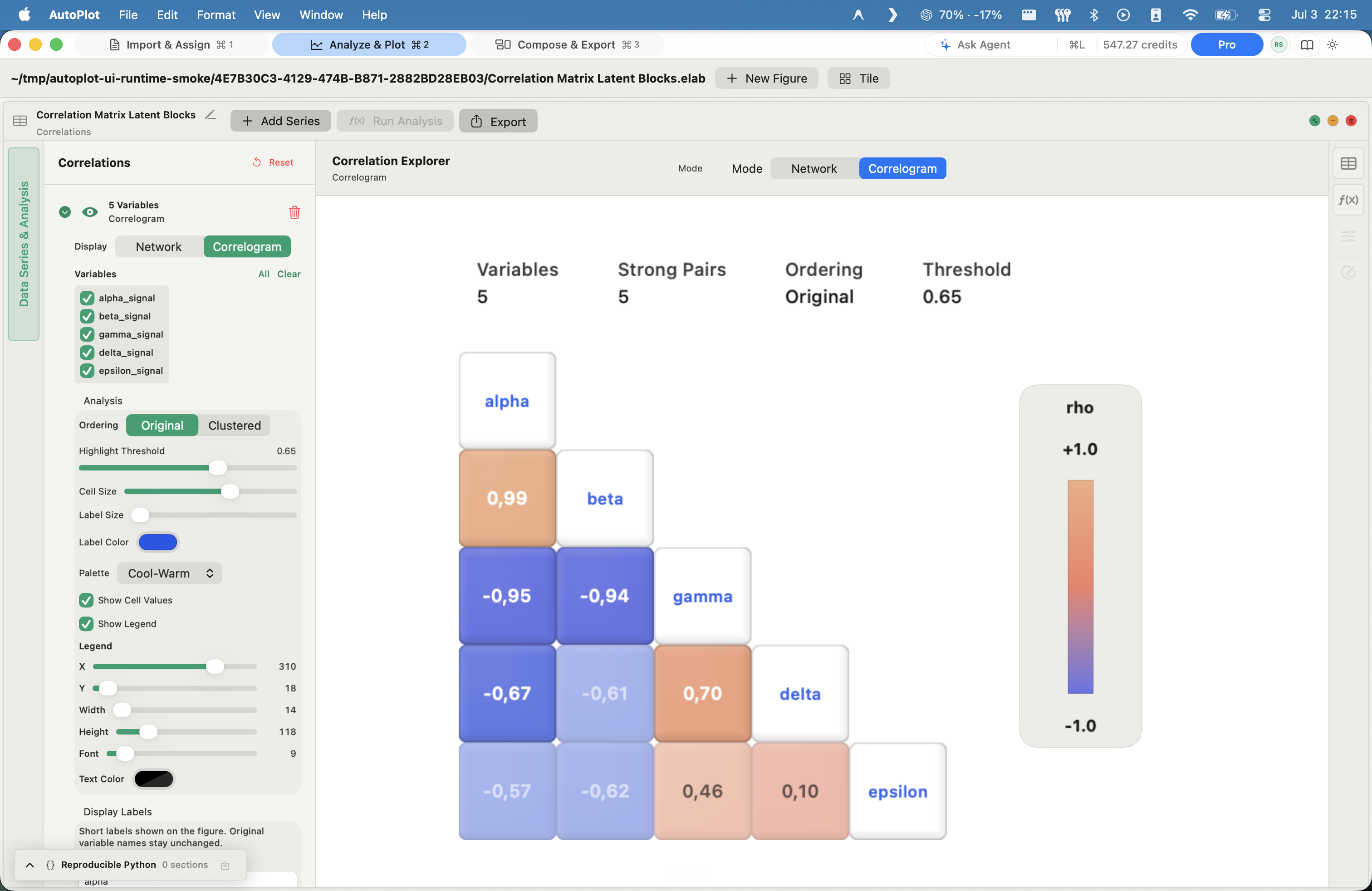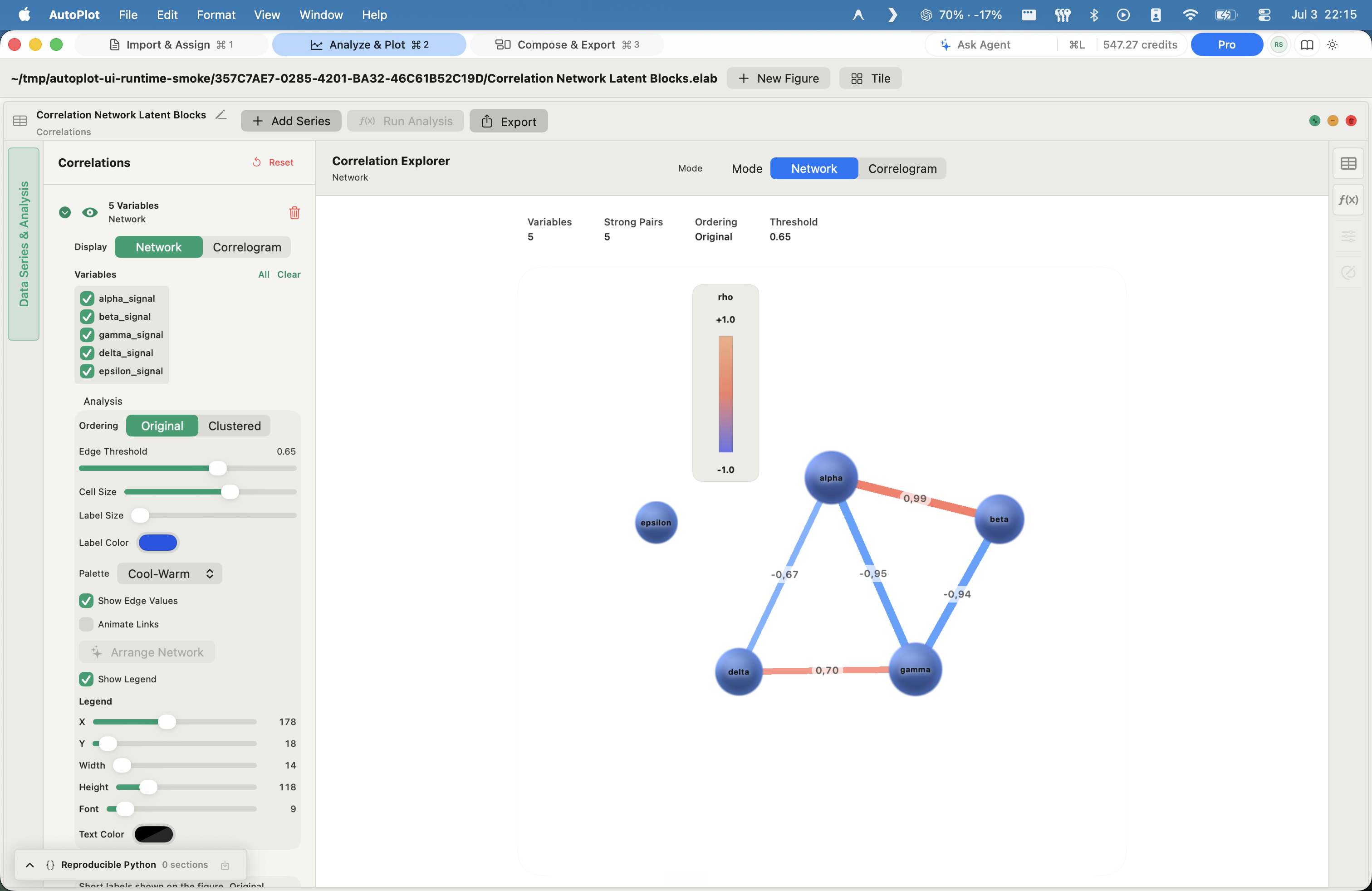

Bring your data seamlessly
Import from SFTP or local files with a single click.
Autoplot for macOS
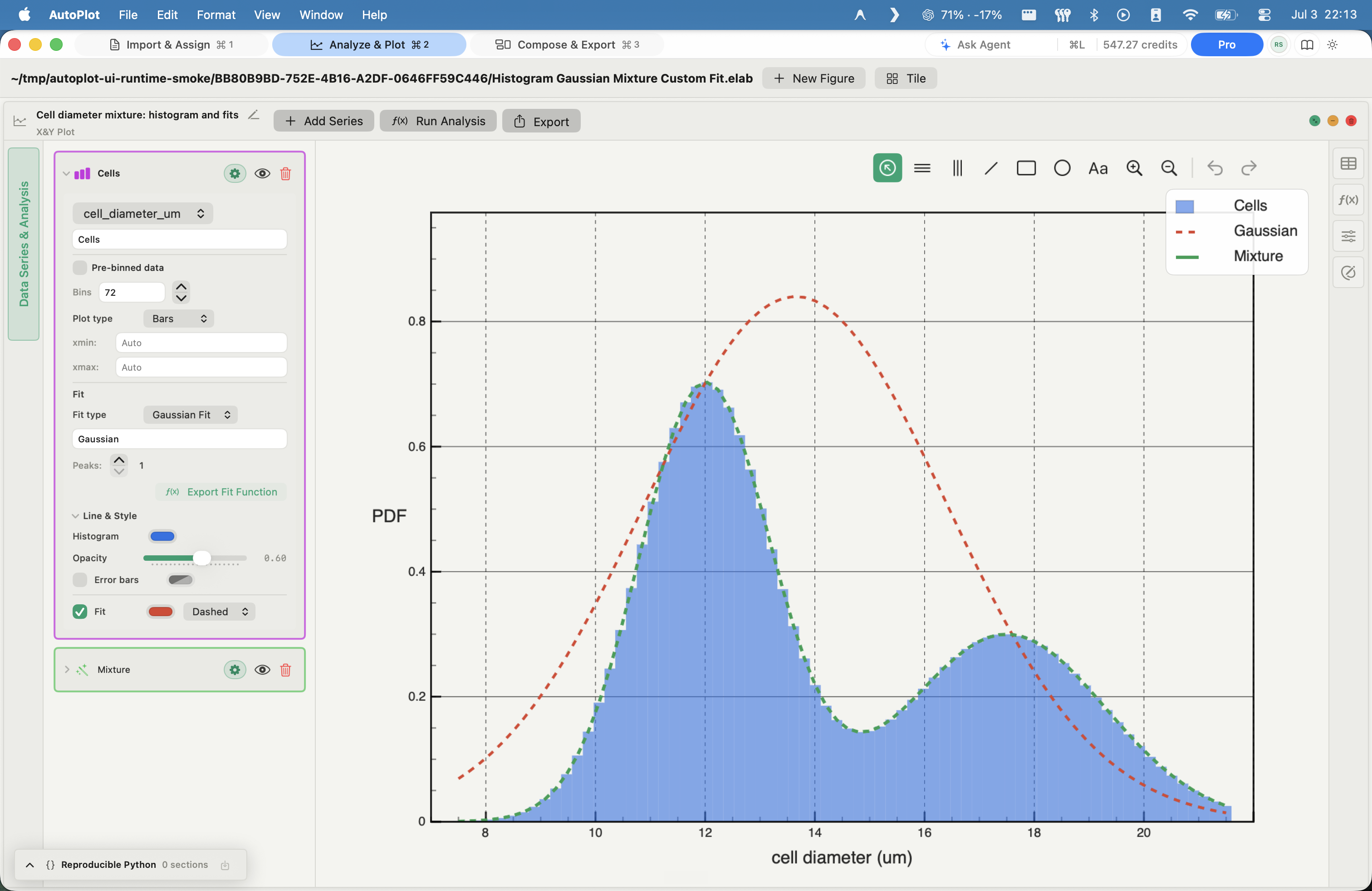
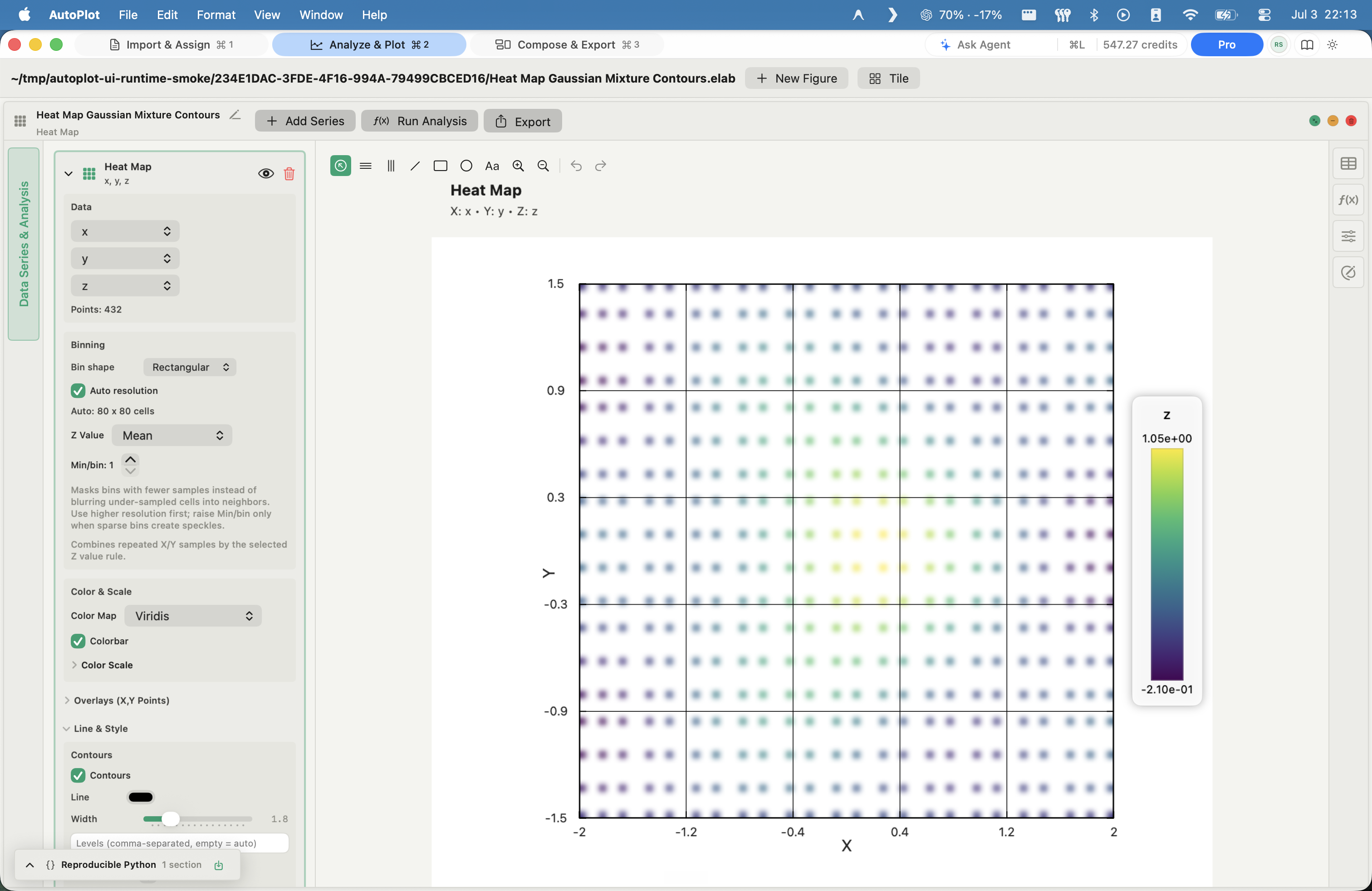
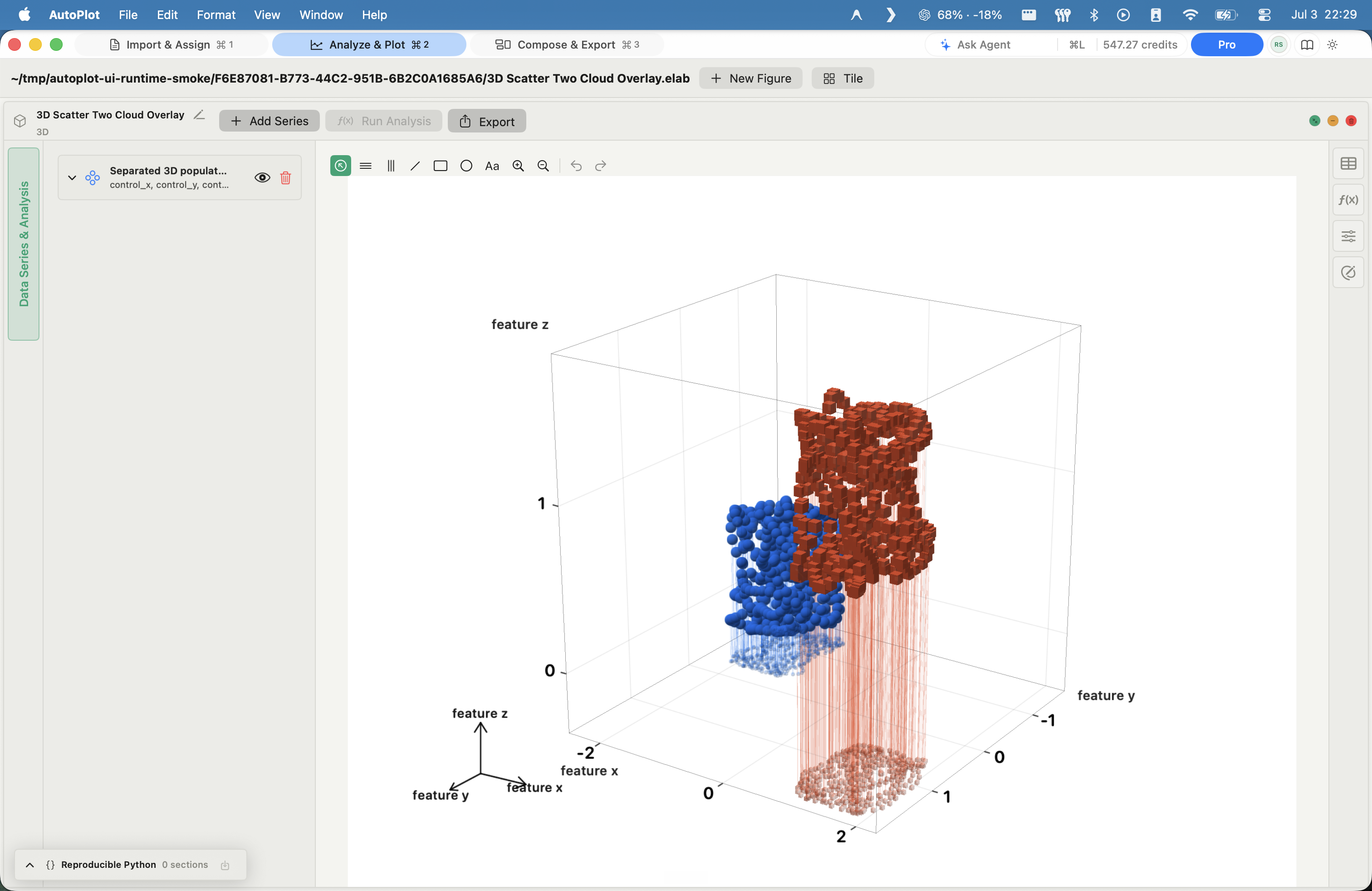
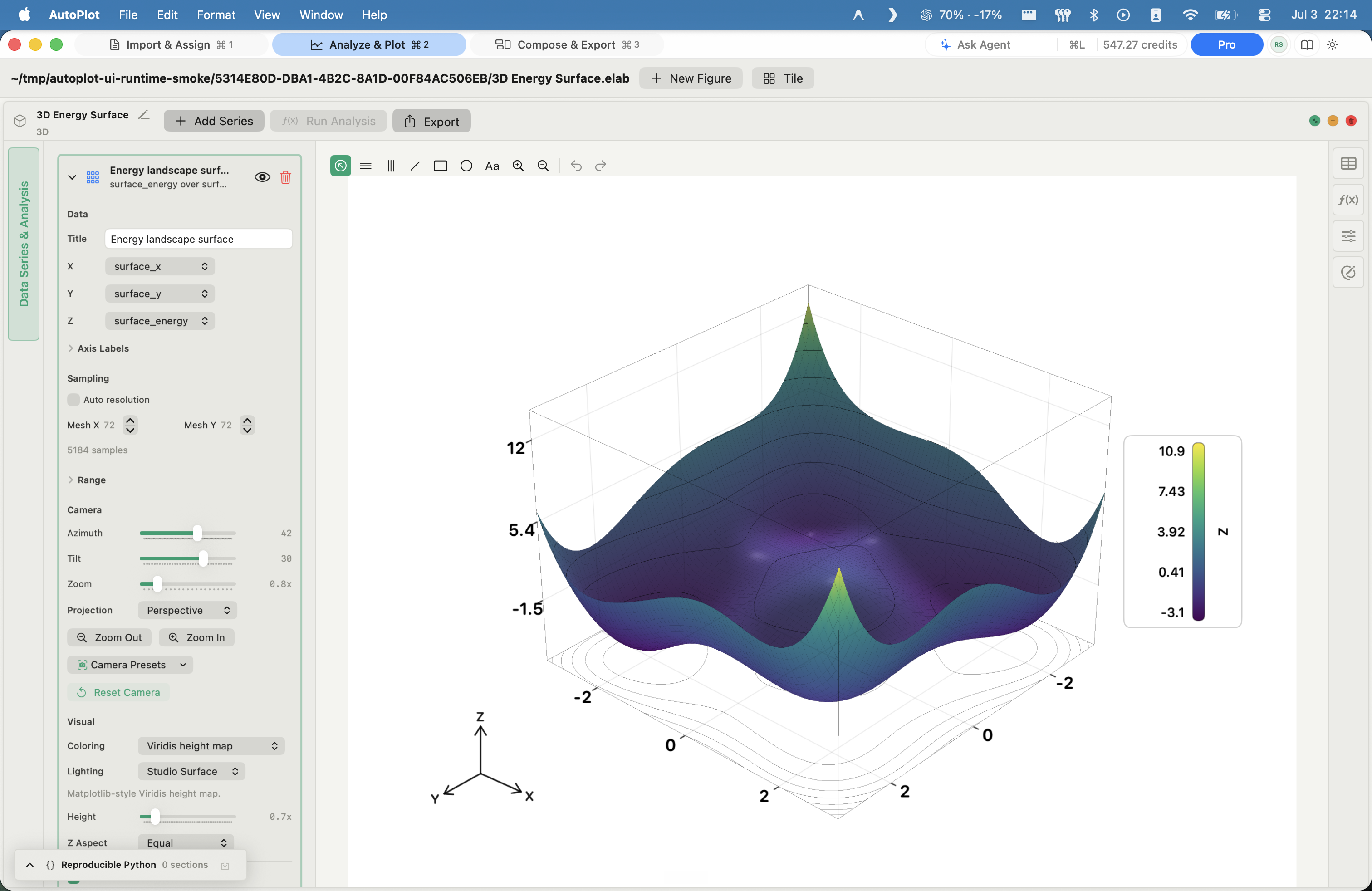
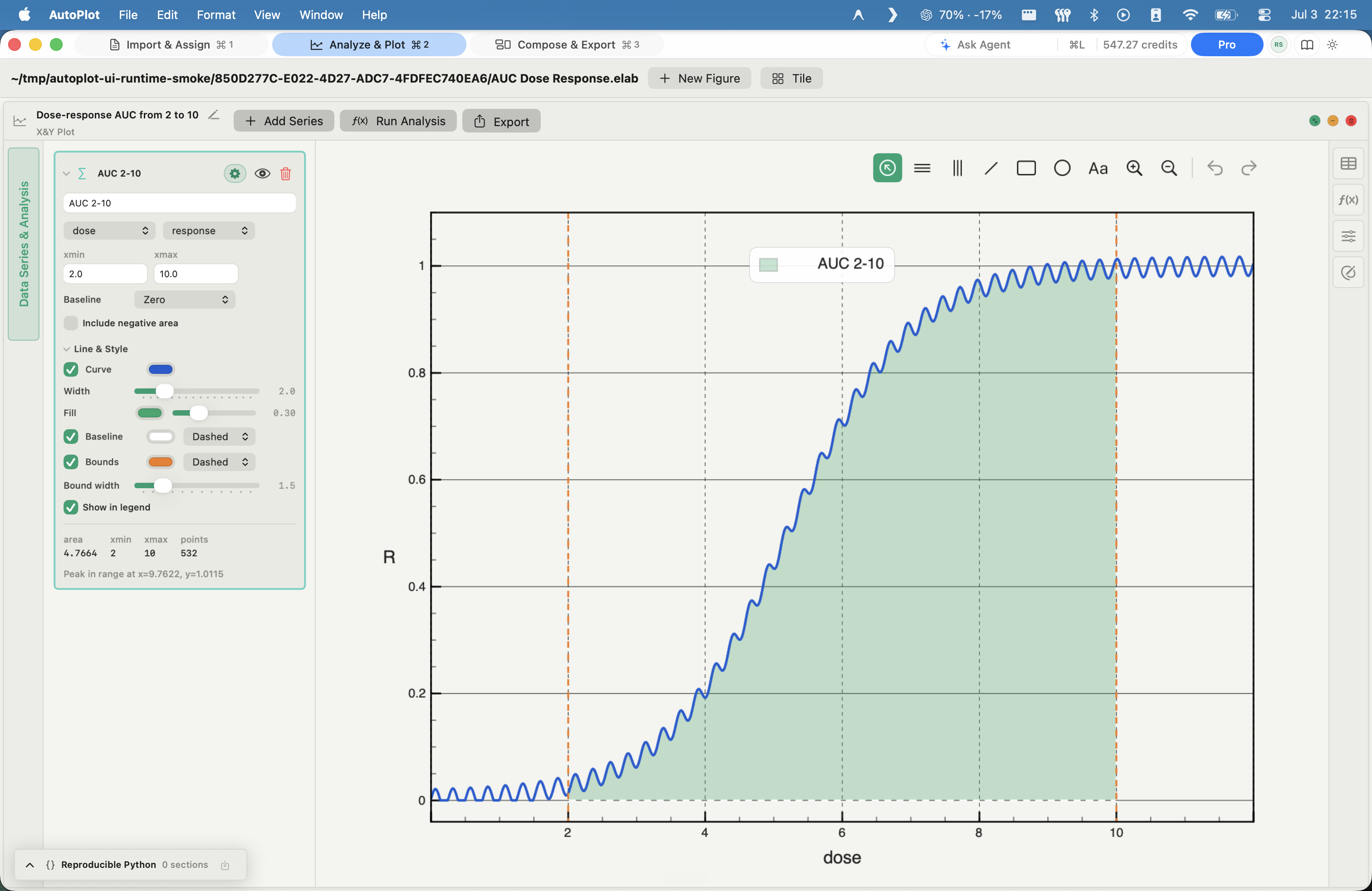
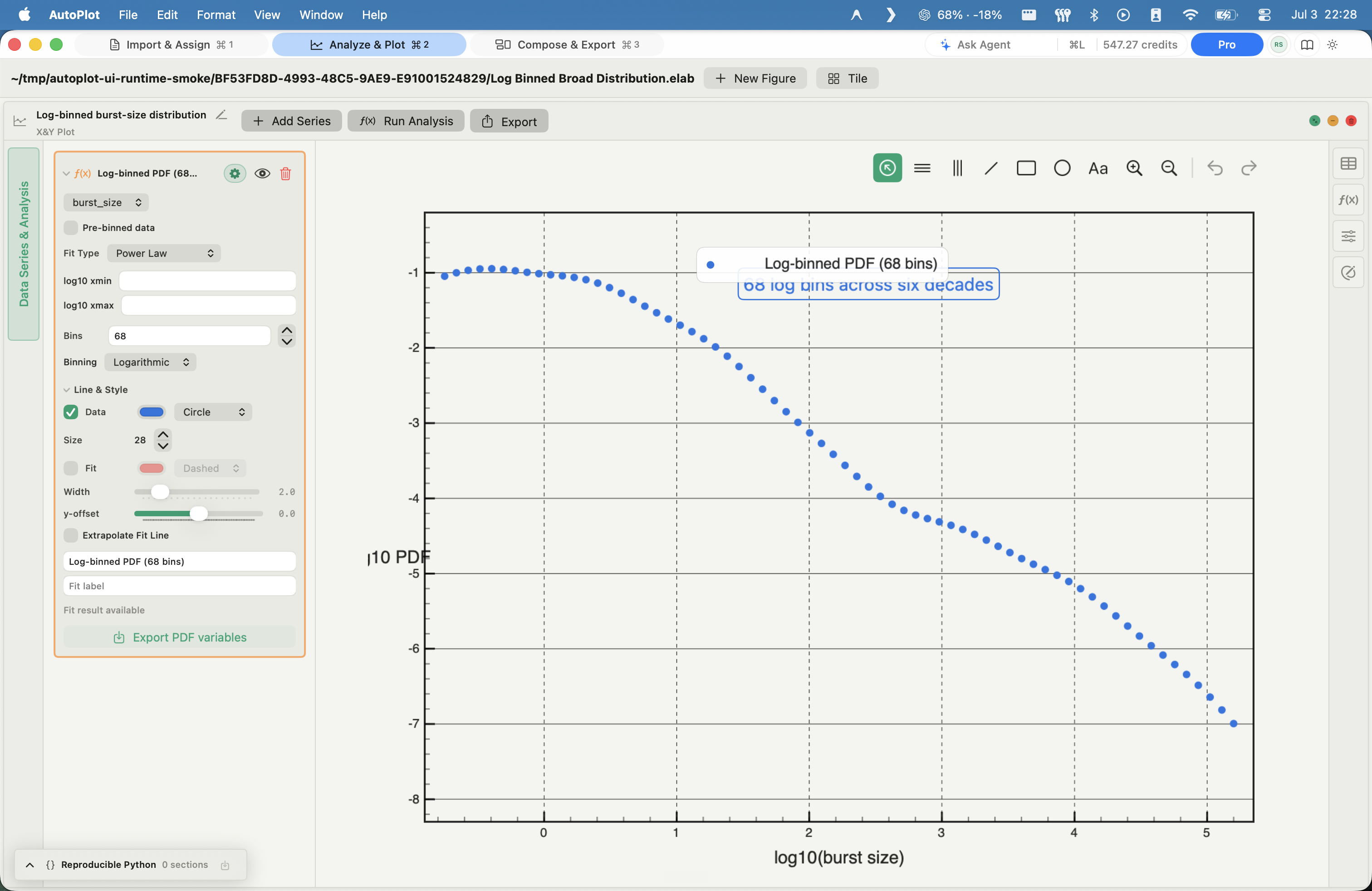
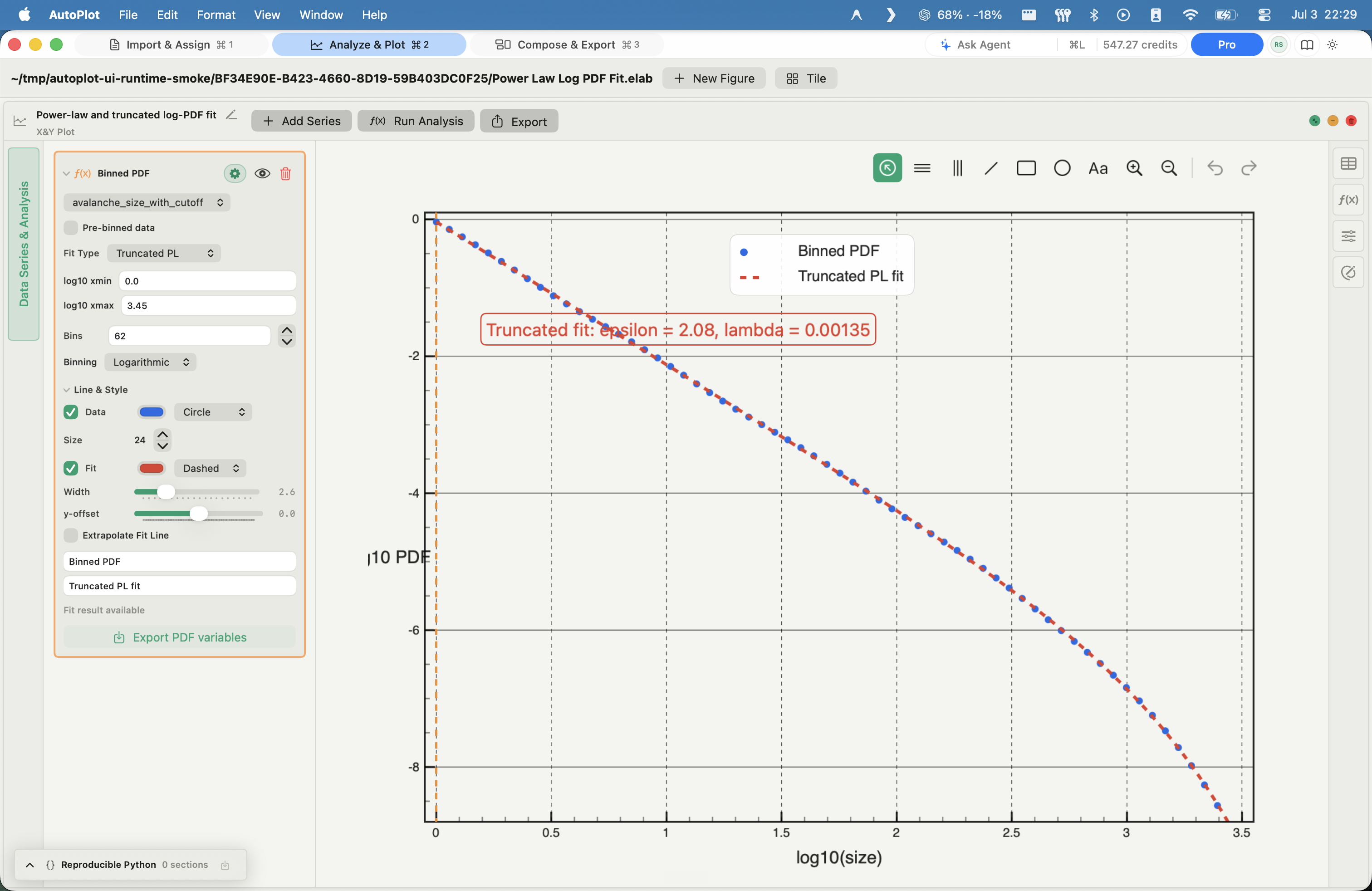
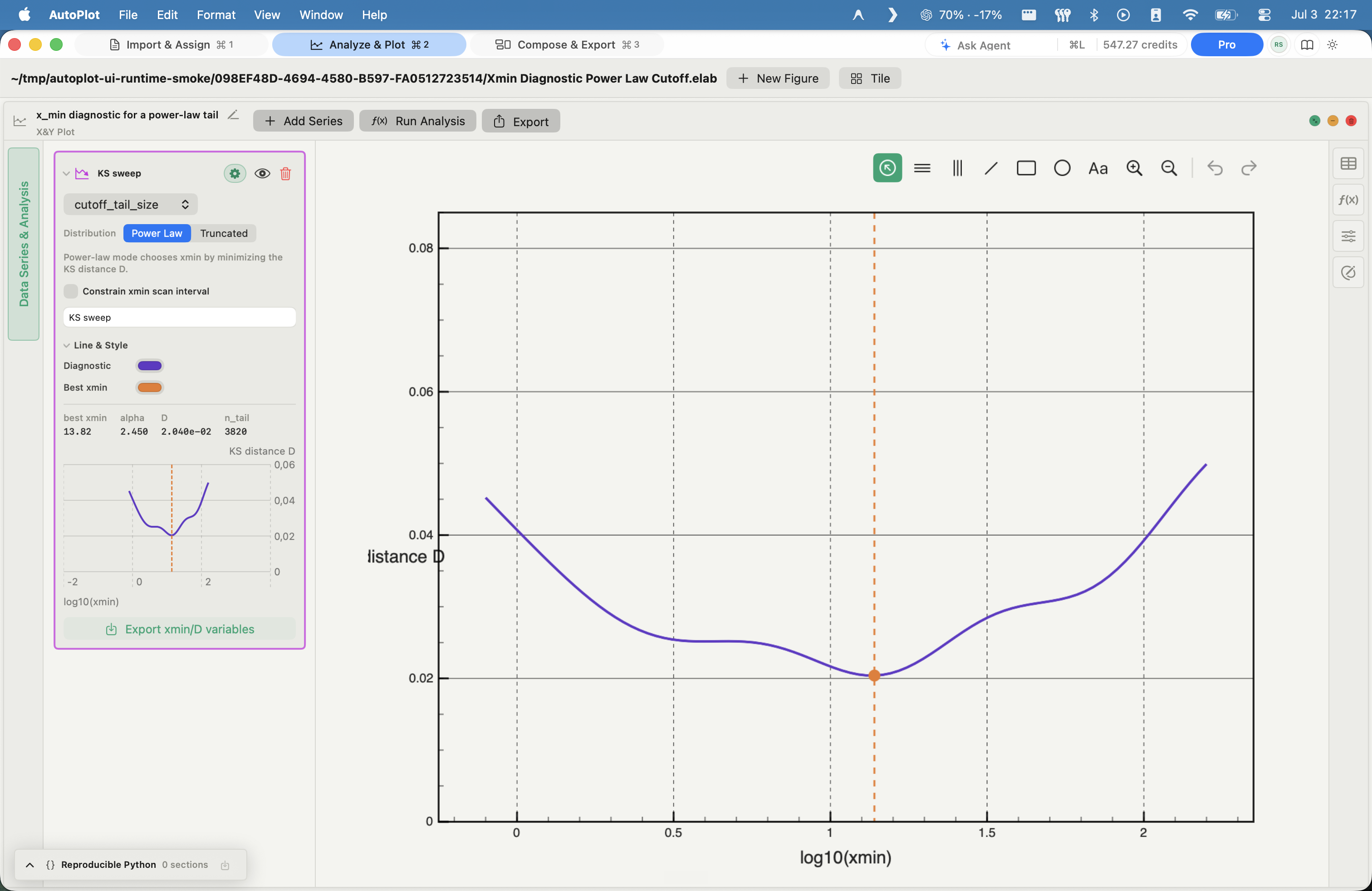
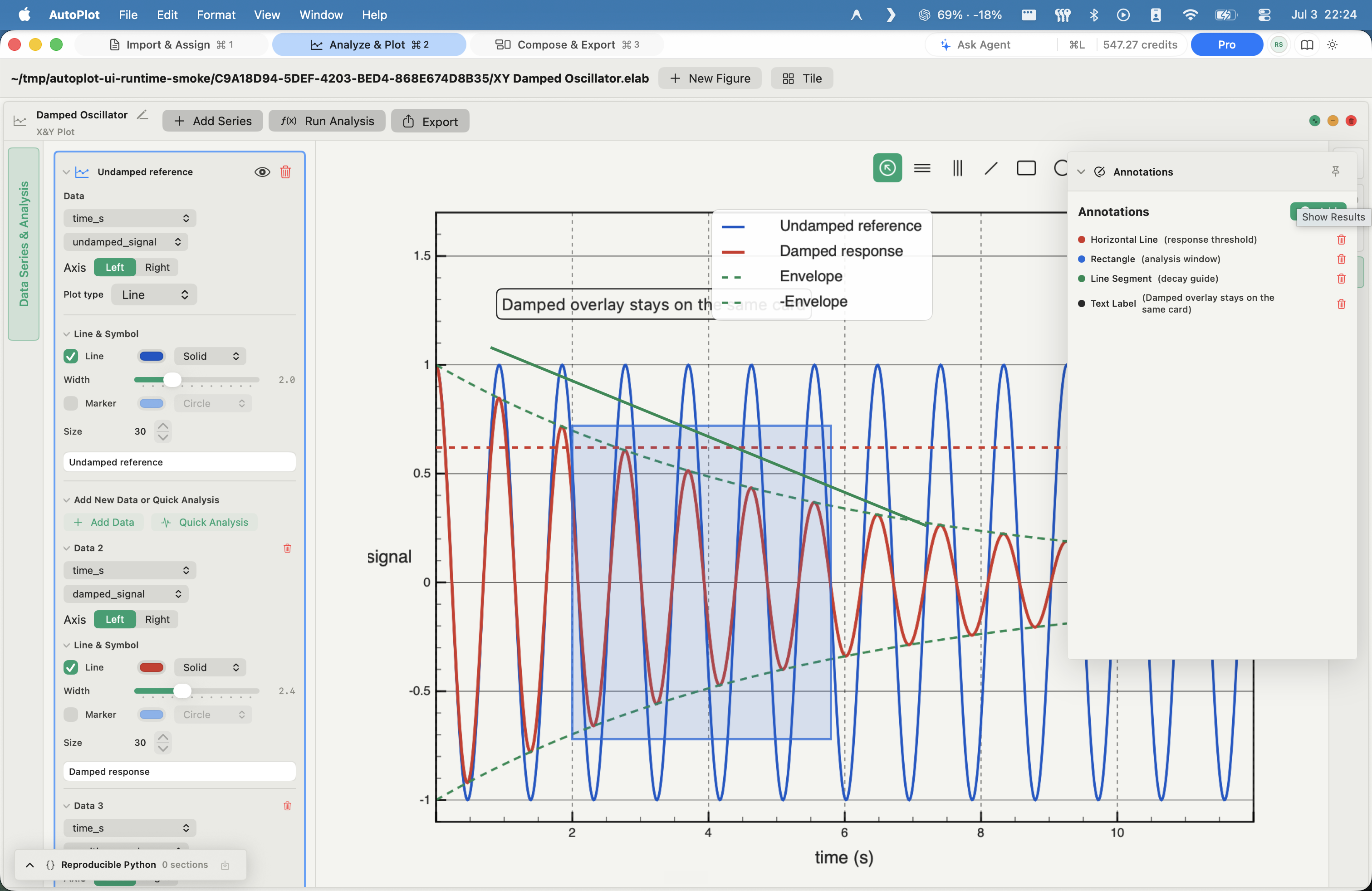
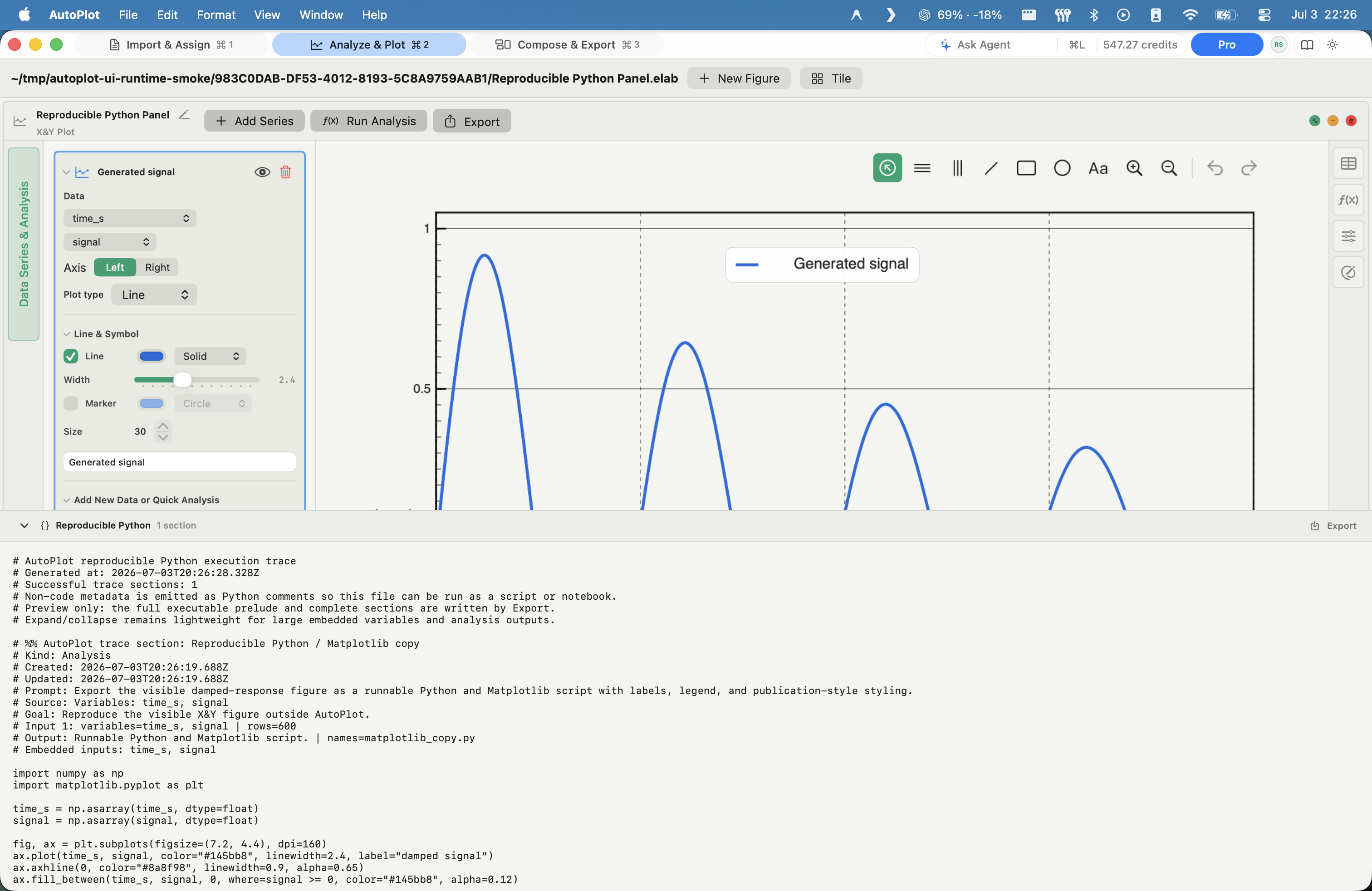
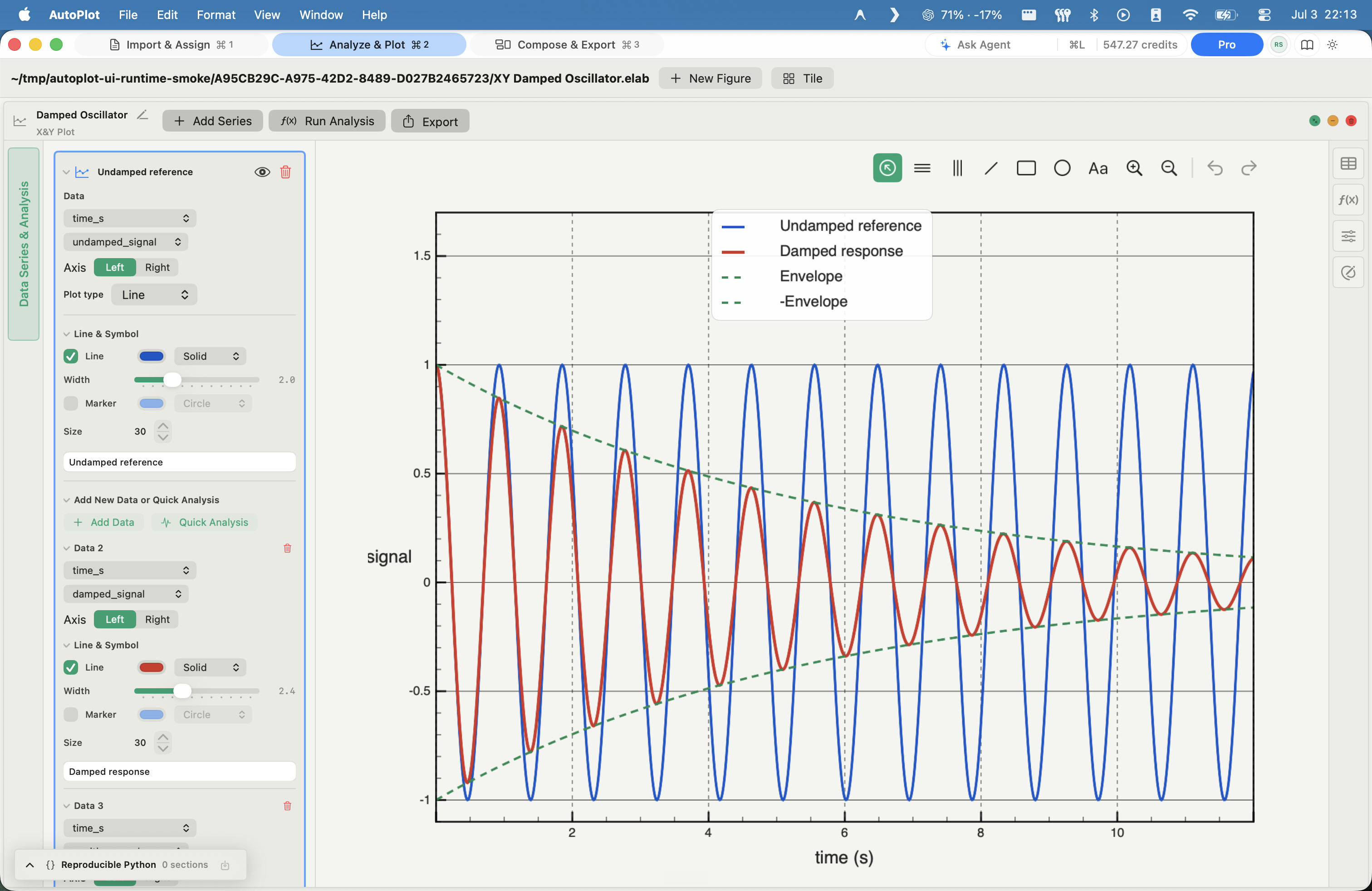
Autoplot is a native Mac workspace for importing scientific data, building plots and fits, and annotating and exporting figures.
Why Autoplot
Leave behind endless copy-paste cycles between LLMs, terminal, and text & image editors. Finally, a unified workspace to import, treat, plot, and publish your data — with full data privacy.
Why Autoplot existsFeatures
Do all your scientific heavylifting in one place.
Tools
Autoplot provides the following analysis and plotting tools natively, and Python's full flexibility via its AI assistant.
Assistant
Conversational help that respects the data boundary — and drives the whole toolkit.
Reads your intent and schema, never your raw values — you confirm before anything runs. Data privacy.
An open-weights model that never trains on your inputs — not a frontier chatbot.
Reach any Autoplot surface in plain language, then confirm and run it locally.
Beyond analysis: tell the assistant what you want and it runs the app — import a file, derive a variable, build and annotate a plot, compose a board, export — chained from one request.
Export
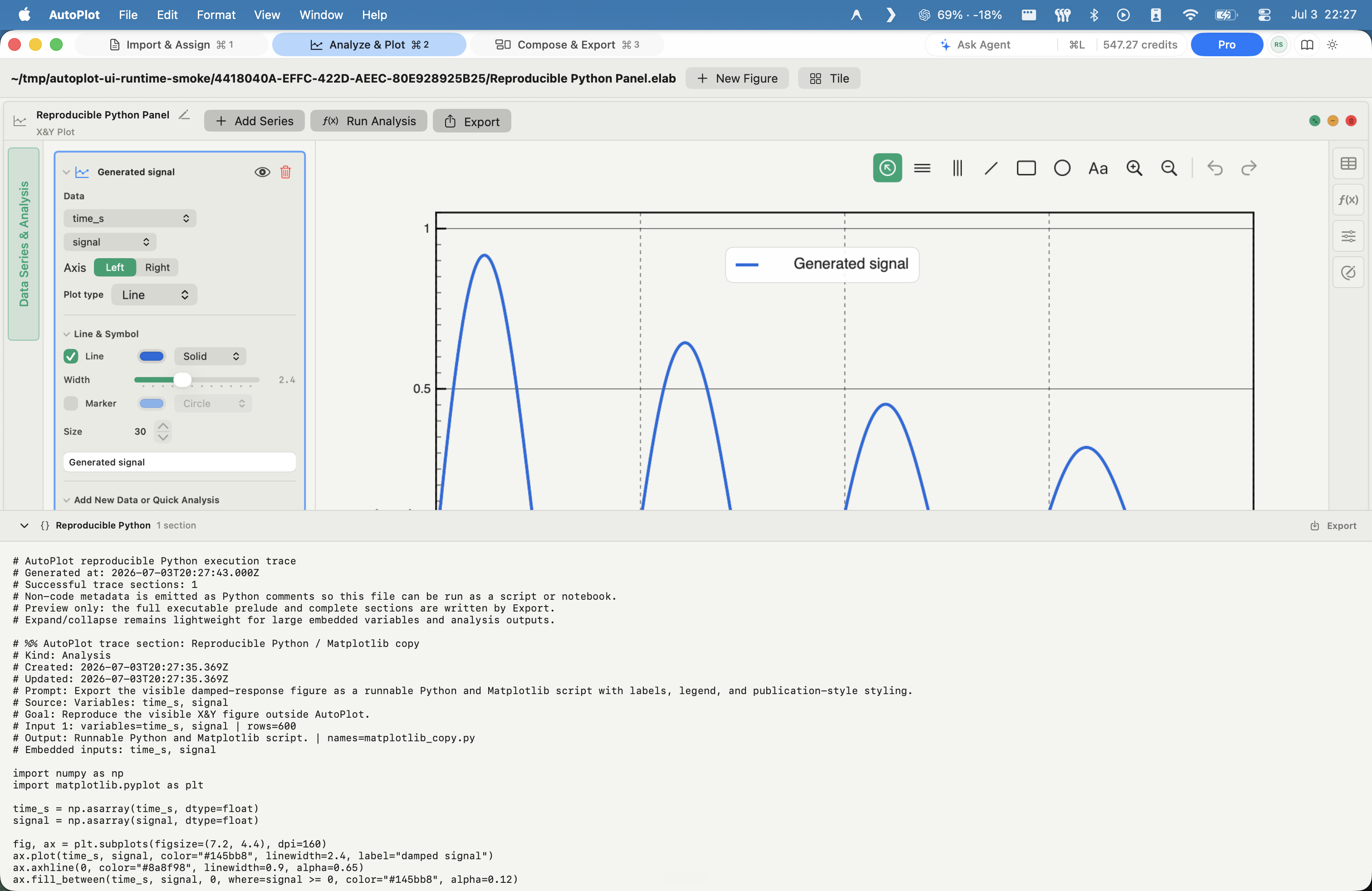
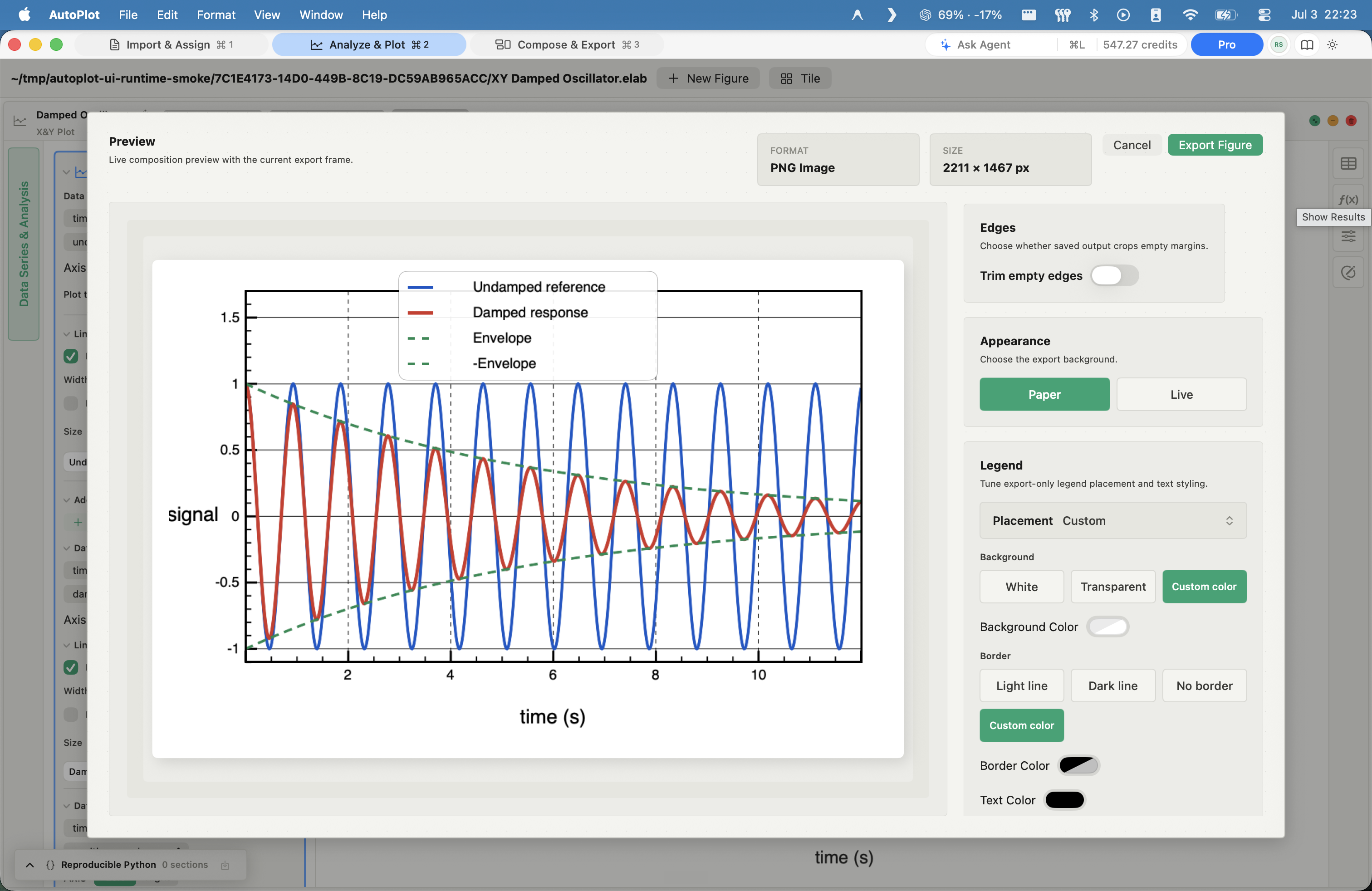
Change a card and the figure follows — no re-running a script, no third-party tools.
Print-ready
Vector PDF at journal DPI with embedded fonts, plus PNG and JPG.
Built for
Three people open Autoplot for three different reasons. All of them leave with a figure.
Mac-native
Browser tools upload your data and stall on big arrays; cross-platform apps are a web page in a window. Autoplot is a real Mac workstation tuned to Apple Silicon, with your raw data on disk where it belongs.
Native
A real SwiftUI app built for Apple Silicon — instant launch, native scrolling, and document-based projects, not a web page in a window.
Local-first
Open large CSVs straight from disk — no browser size limits, no sandbox, no upload step. Your raw data never leaves the Mac.
Engine
The scientific Python stack - NumPy, SciPy, Matplotlib, and the surrounding local toolkit - runs inside the app. Nothing to install, and the full local toolkit works with no network.
On the roadmap - building now
We're moving the hosted assistant onto Apple's Private Cloud Compute - the architecture behind Apple Intelligence. When a prompt is too big for the on-device model, it runs on stateless Apple-silicon servers that retain nothing, allow no privileged access, are cryptographically verifiable, and can't be targeted at an individual. The result: on-device-grade privacy for your data even when it leaves the Mac.
Pricing
Free
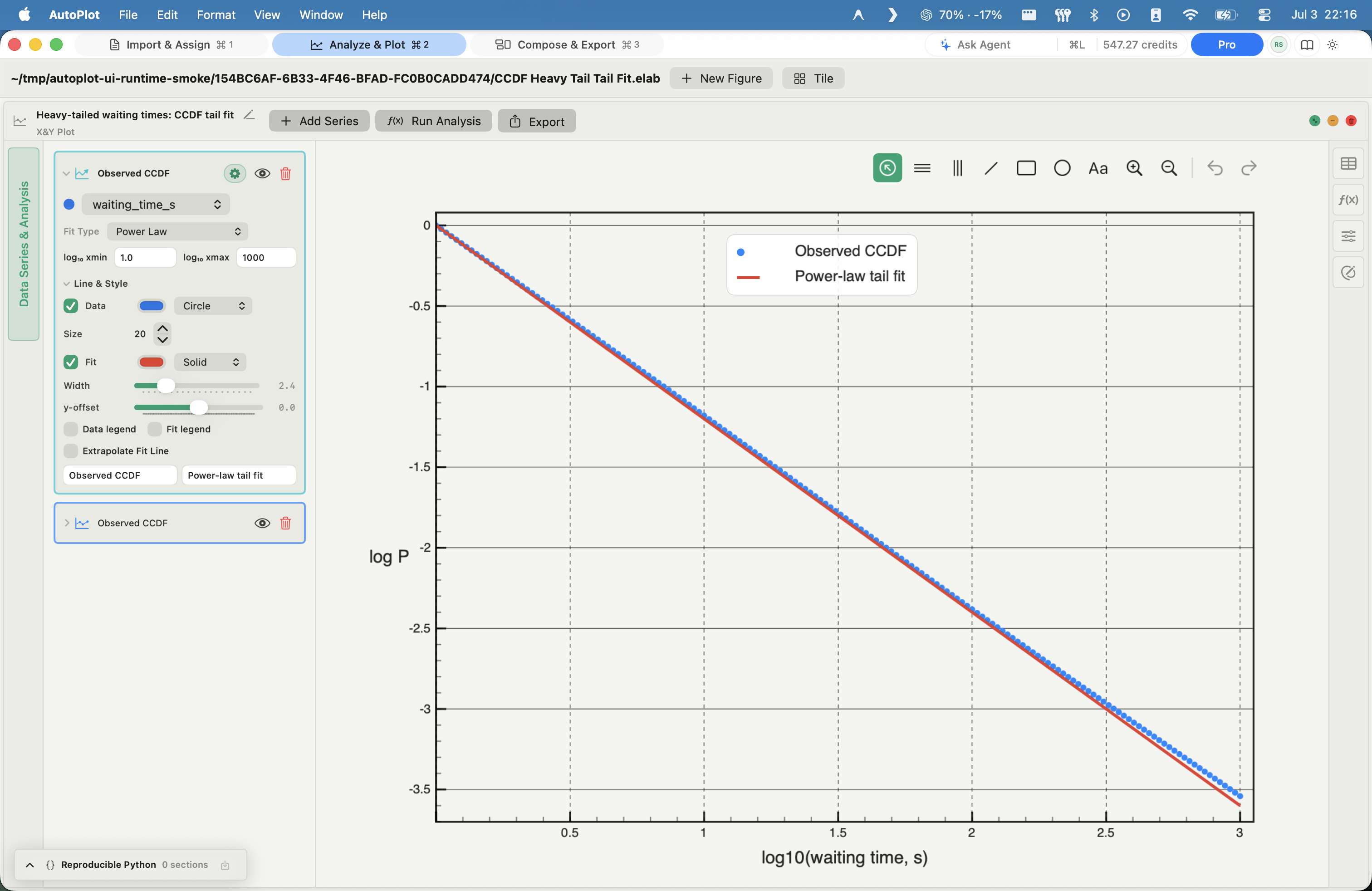
The essentials: X&Y plots, histograms with fits, PDF / log-binned / power-law analysis, vector PDF export, and project save/load.
10 hosted-AI credits/month
$7.99/mo
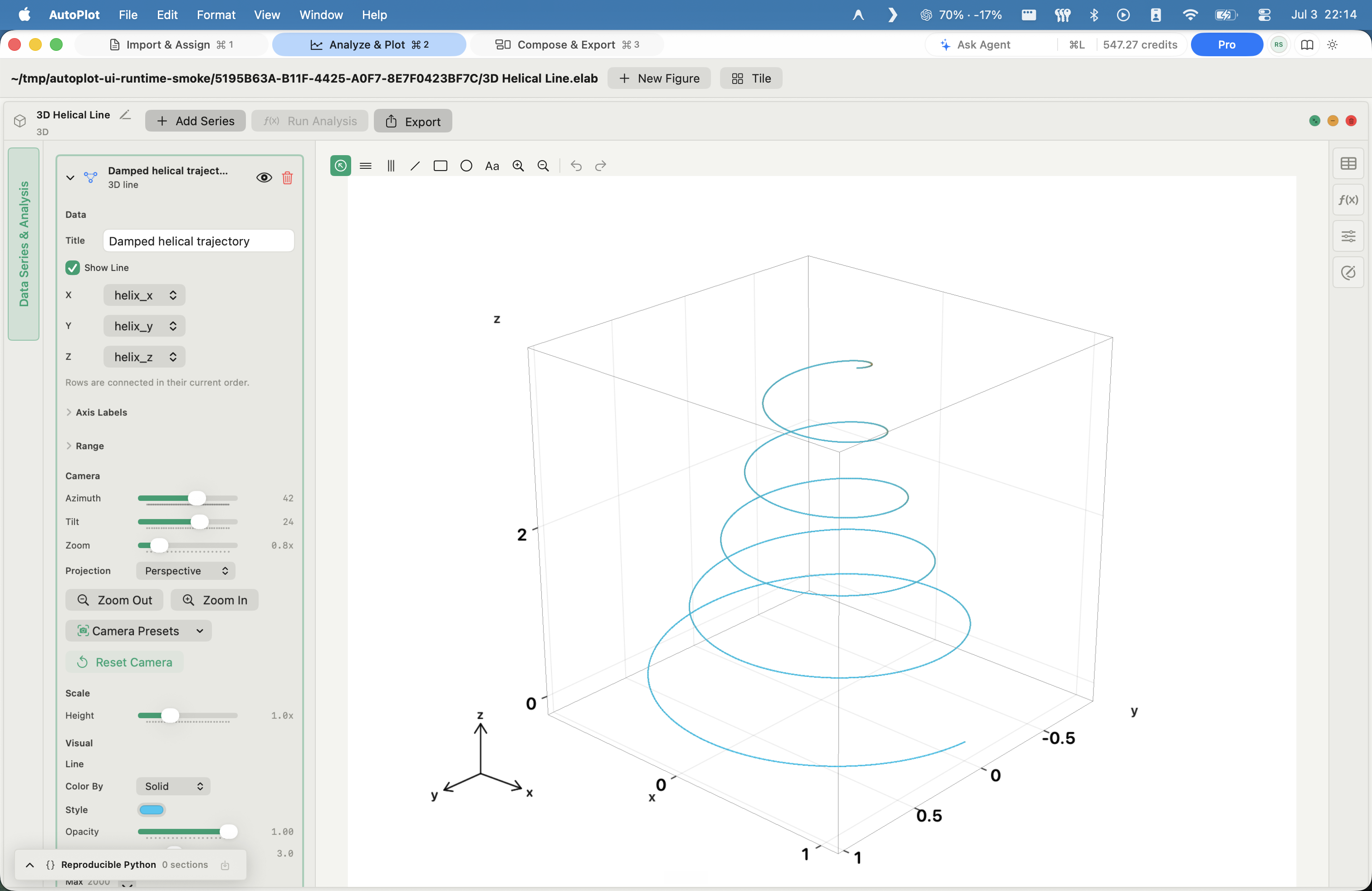
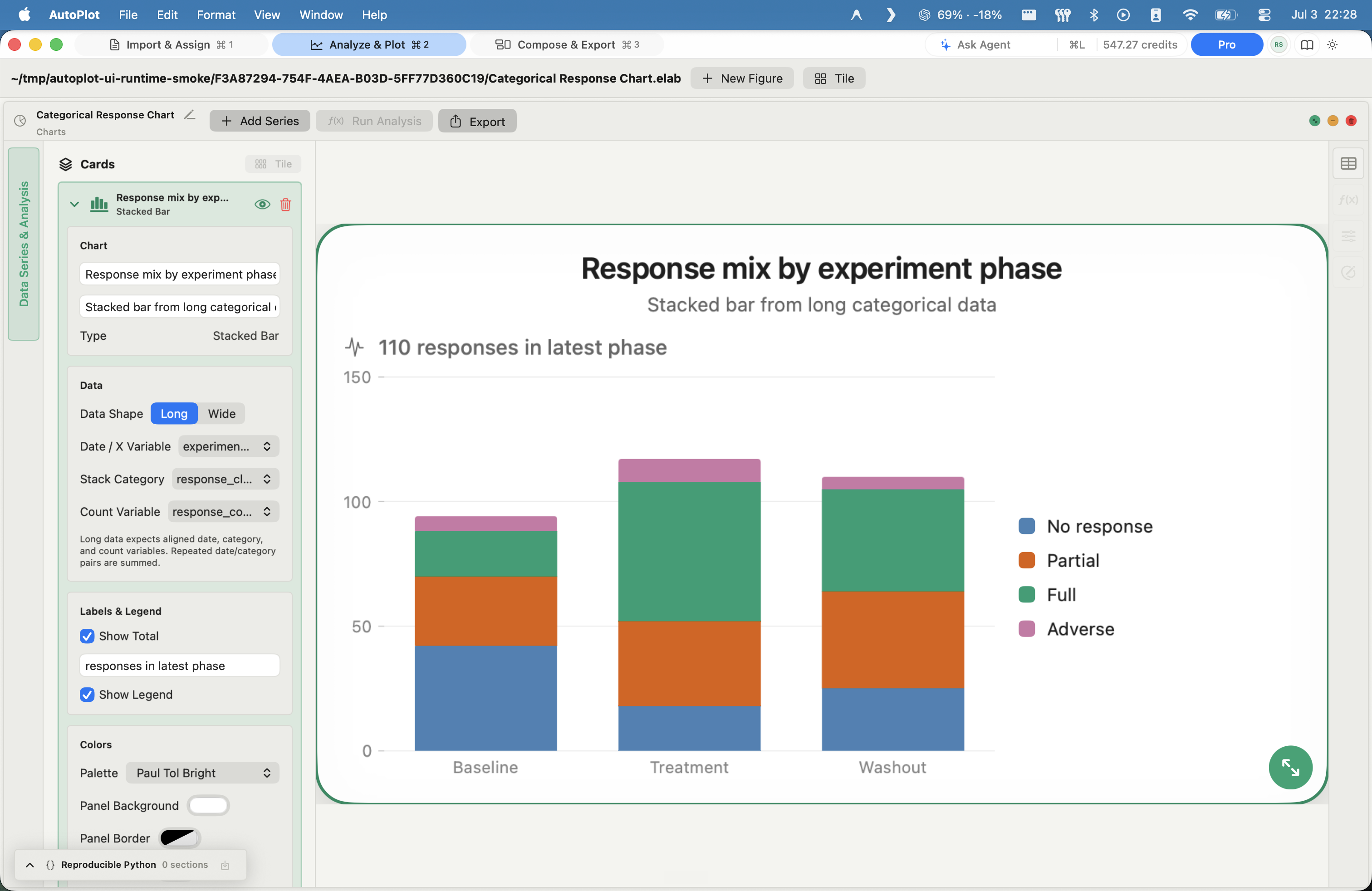
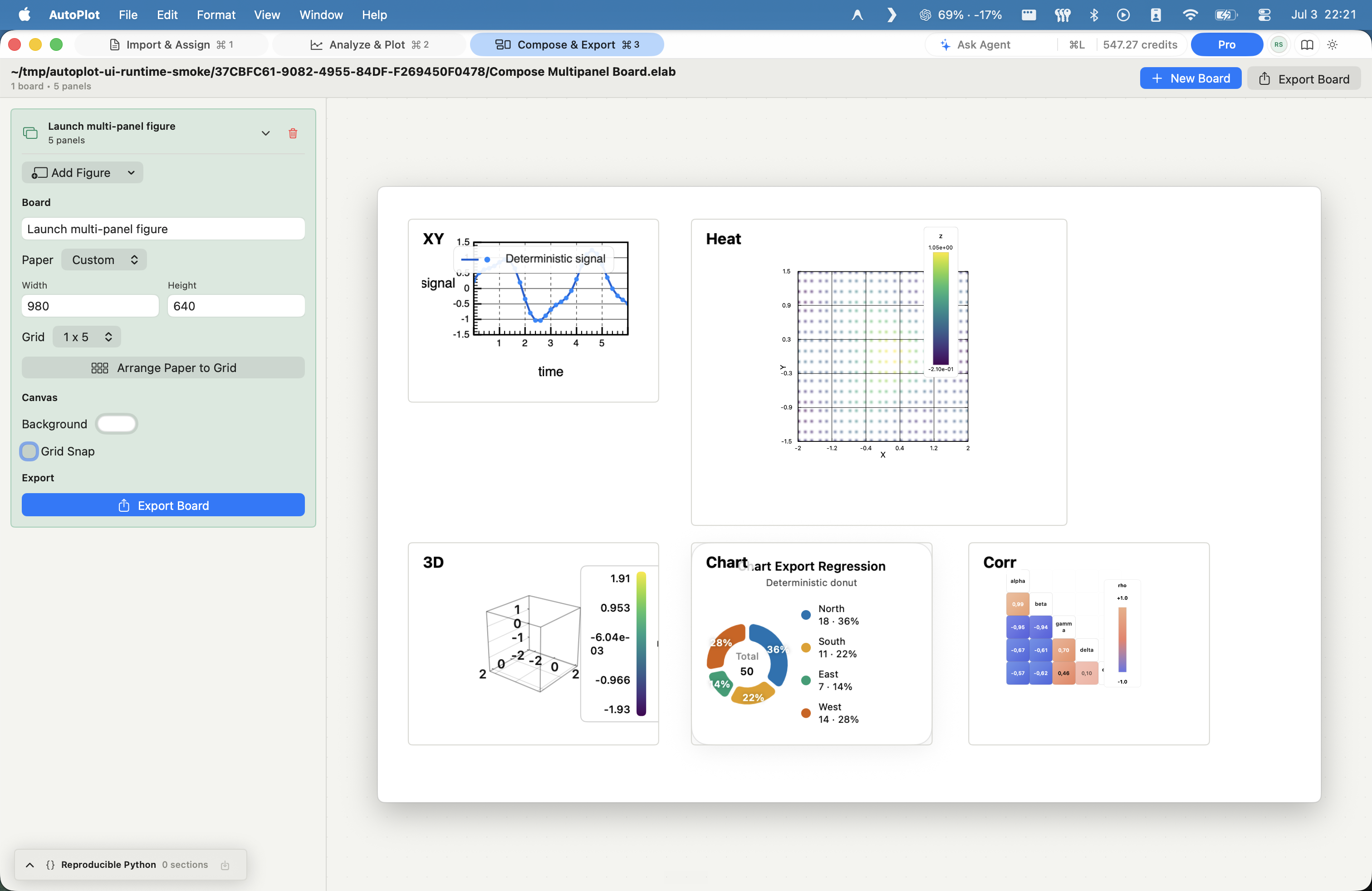
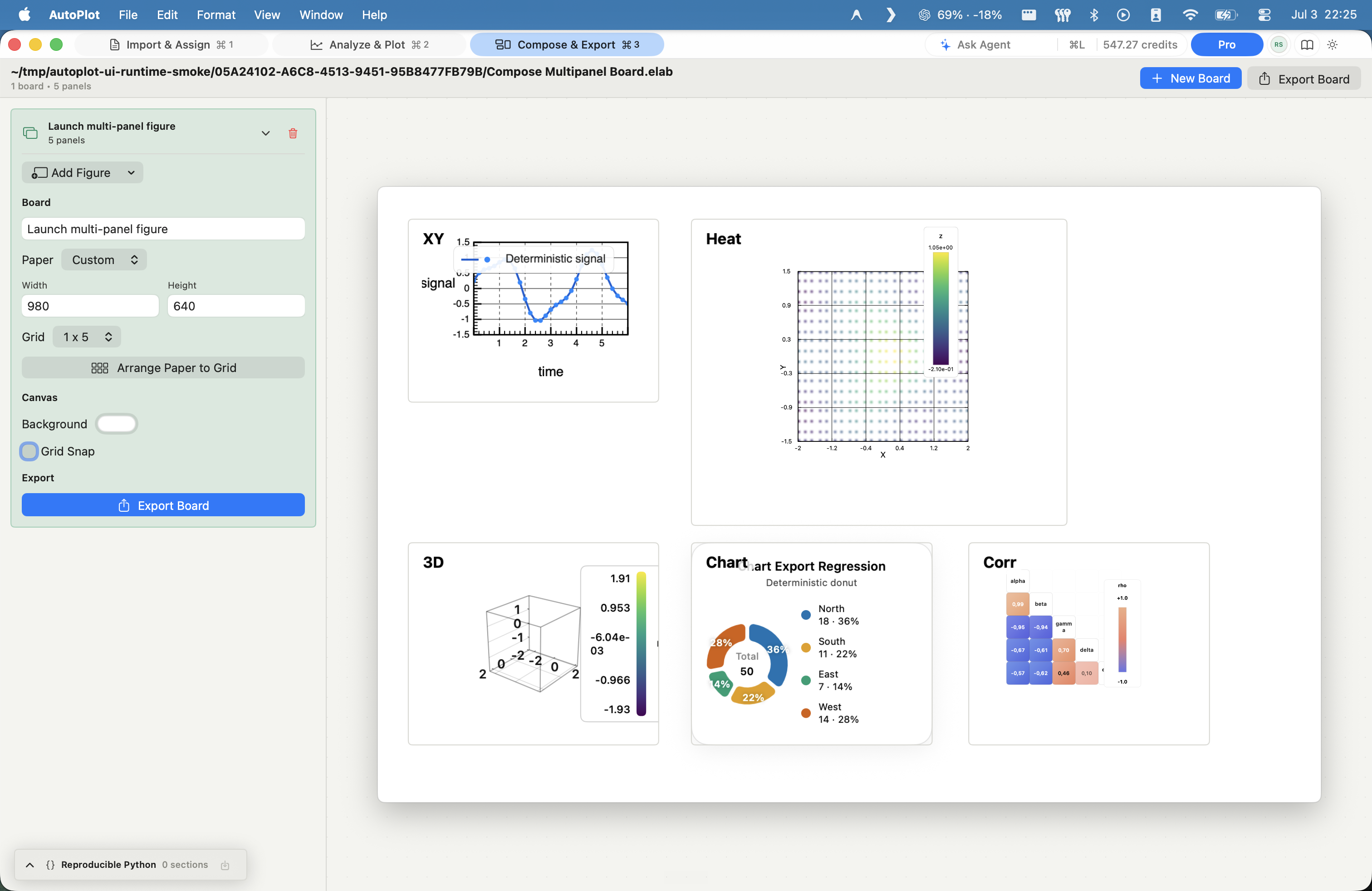
Everything in Free plus the advanced surfaces: CDF/CCDF, Xmin, FSS, E-S scaling, heat maps with 2D fits, 3D, correlations, categorical charts, and Compose.
10 hosted-AI credits/month
$17.99/mo
Everything in Plus, with 1000 hosted-AI credits a month for heavier assistant use.
1000 hosted-AI credits/month
Yearly billing gives you 2 months free.
See full pricing ->