
On this page
Vector vs raster: choosing a journal figure format
Vector formats describe shapes; raster formats store a fixed grid of pixels. A vector plot can be reduced or enlarged without loss, and a production editor can still correct a label. A raster plot is fixed at the resolution it was made at.
| Format | Use for | Watch out for |
|---|---|---|
| PDF (vector) | Plots, diagrams, line art, figures with text | May contain raster parts; fonts must be embedded |
| EPS | Older production workflows that ask for it | No transparency; font handling varies by tool |
| SVG | Web, and editing in vector programs | Accepted by some journals only; check first |
| TIFF | Photographs, microscopy, gels at a stated DPI | Large files; text is pixels and cannot be edited |
| PNG | Slides, web, raster panels with sharp edges | Lossless but fixed resolution |
| JPEG | Photographs only, when allowed | Lossy compression blurs lines and text |
Journals differ, and some are strict. Nature's figure guide, for example, wants main figures as vector files with editable text (.ai, .eps or .pdf) and does not accept JPEG, TIFF or PNG for them. Read the current author guidelines before choosing.
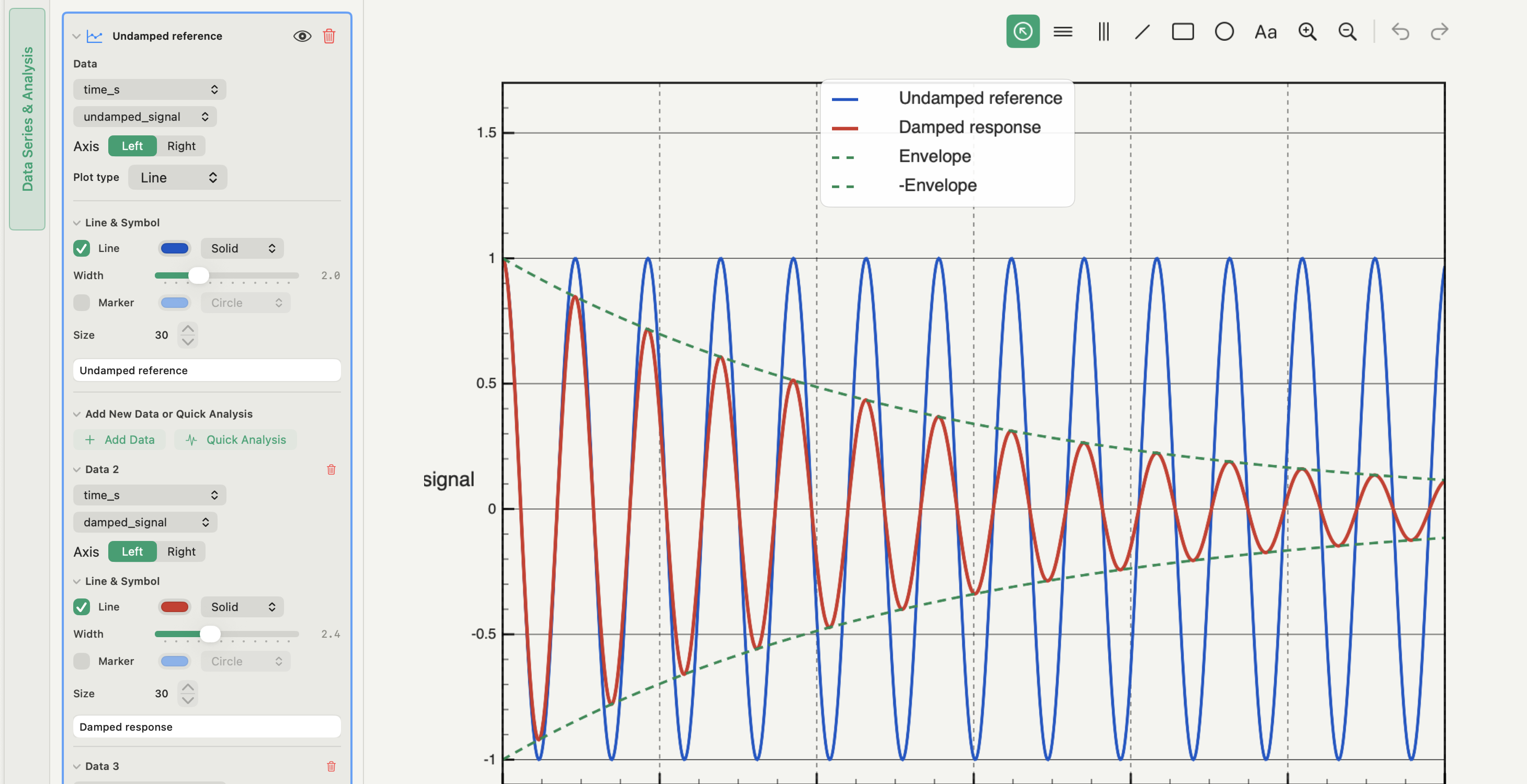
Set the final figure size before exporting
Journals give figure widths, not pixel counts. Nature uses 89 mm for a single column and 183 mm for a double column, with a maximum height of 170 mm; other journals use similar widths. Export at that physical size, so that a 7-pt label in the file is a 7-pt label on the page.
A wide figure designed on screen and shrunk later is the common failure. The vector lines stay sharp, but the text falls below the journal's minimum size and the lines become hairlines. Set the size first, then judge type size and line weight at 100% zoom.
For a figure with several panels, assemble at the final size too; how to make a multi-panel figure covers the layout.
Figure DPI: when resolution matters
DPI (dots per inch) only means something for pixels. It sets how many pixels a raster file has at its physical size:
pixels = width in inches × DPI, where one inch is 25.4 mm.
An 89 mm wide figure is 3.5 inches, so 300 DPI gives about 1,050 pixels across and 600 DPI about 2,100. Line art and small text need the higher figure; photographs are commonly requested at 300 DPI. Use the journal's number when it gives one.
Two rules follow. In a vector PDF, the DPI setting affects only the raster parts inside it. And raising the DPI of an existing low-resolution image adds pixels without adding detail; re-export from the source instead.
What stays vector in an exported PDF
Most plotting tools write a mix. Axes, lines, markers and text are drawn as vector content, while some elements are placed as images. In Autoplot:
- A single figure exported as Vector PDF stays vector. X&Y plots, charts and correlation figures are written as vector content with embedded fonts.
- 3D plots are embedded as an image. For a 3D scatter plot or surface, the PDF holds a rendering made at the chosen DPI; the export dialog notes when PDF content is raster-backed and which DPI it uses.
- A Compose board exported as PDF contains raster panels. Each panel on a board is a PNG snapshot of its figure, so the board PDF wraps those snapshots at the resolution they were made at. Board-level elements can still be vector; the plots inside the panels are not.
The practical consequence: if a journal needs fully vector main figures, export each figure directly as Vector PDF and assemble the panels in a vector layout program, rather than exporting a Compose board.
How to check a vector PDF figure
- Open the saved file in an independent viewer, not the app that made it.
- Zoom to 800% on a line, a marker and a small label. Vector edges stay clean; raster content shows pixels.
- Try to select or search a label. Selectable text is real text; if nothing selects, it was drawn as outlines or pixels.
- List the embedded images. On the command line,
pdfimages -list figure.pdffrom Poppler prints each embedded image with its pixel size and effective resolution (x-ppi, y-ppi). An empty list means no raster content. - Check the fonts. Every font should be embedded; how to embed fonts in a figure PDF gives the full procedure.
- Confirm the page size matches the column width you exported for.
For production-grade checks of colour, transparency and image resolution, Adobe Acrobat's Preflight runs a fuller inspection.
Exporting in Autoplot, and where it stops
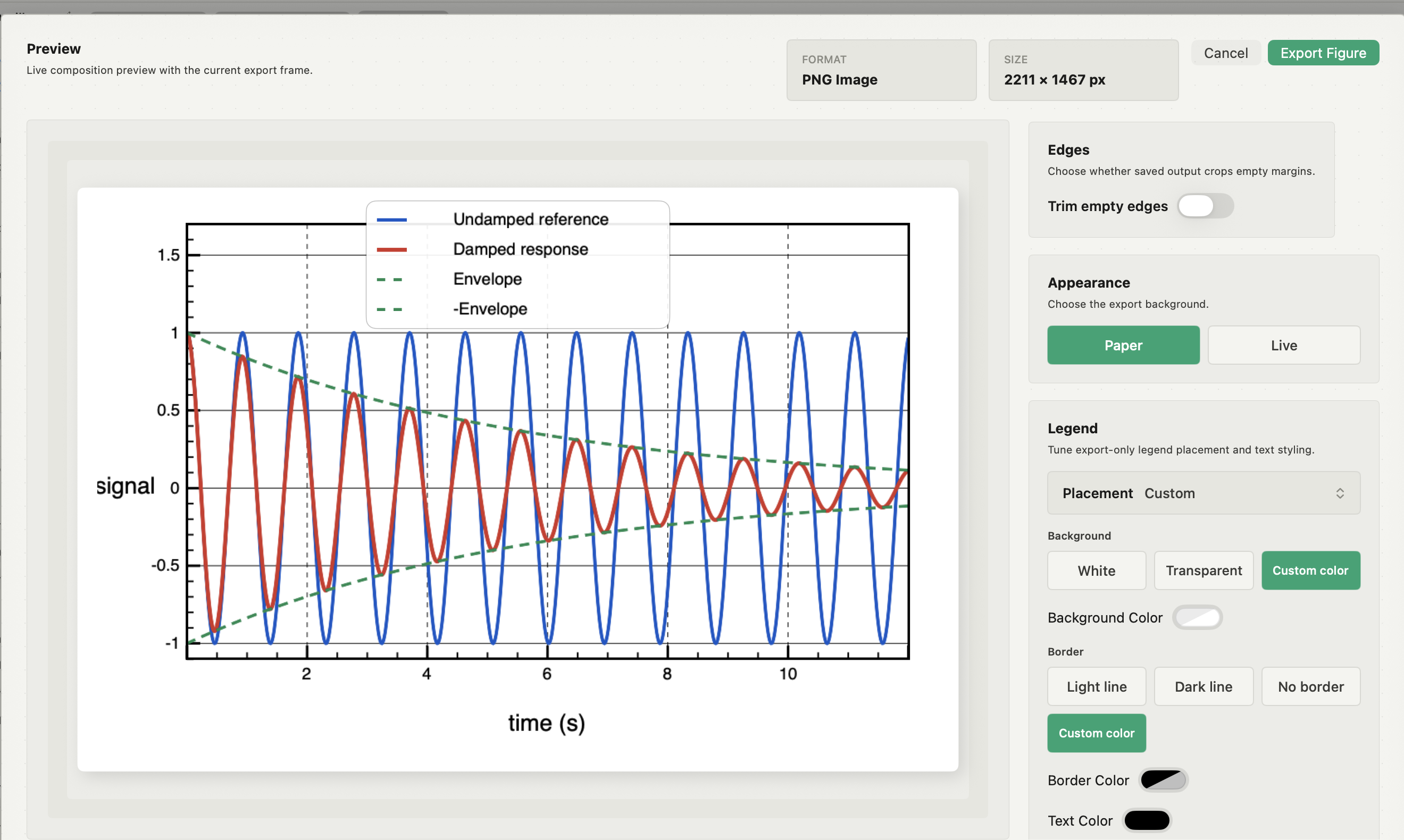
Click Export in a figure's header to open the export dialog. Choose PNG, JPEG or PDF (vector), then set the size by preset or custom width and height in mm, inches or pixels. Presets cover Nature single, 1.5 and double column, PRL single and double column, and A4 widths. Resolution is 300 DPI, 600 DPI or a custom value, and the background can be Paper, Dark or Transparent, with an option to trim empty edges.
Autoplot does not export EPS, SVG or TIFF, and it has no unattended one-figure-per-file batch export. When a journal needs another format, export the figure as an editable Matplotlib script with its data and save it from Matplotlib in that format; check the result against the original, because the script reproduces the figure in Matplotlib's renderer. See the features page for the full export list and pricing for plans.
Frequently asked questions
| What DPI should a scientific figure be? | For raster files, use the journal's stated value; around 300 DPI for photographs and 600 DPI or more for line art and text are common. For a vector PDF, DPI does not apply to the vector content at all. |
|---|---|
| Is PDF or TIFF better for a journal figure? | For plots and diagrams, vector PDF: it stays sharp and the text stays editable. TIFF is for photographs and other pixel data, at the resolution the journal specifies. |
| How can I tell whether a PDF figure is vector? | Zoom in far on lines and labels, try selecting the text, and list embedded images with a tool such as pdfimages. Clean edges, selectable text and no unexpected images mean vector content. |
Sources
Autoplot behaviour comes from the app's documentation for Compose and Export and for reproducibility records, checked on 9 October 2026, and from the features page. Nature's guide to building and exporting figure panels gives its vector-format requirement and column widths, and its final-submission guidance separates line art from raster images. Nature Communications submission guidance describes vector delivery for graphs and schematics. The pdfimages tool is part of Poppler, and Adobe documents Acrobat Preflight. Recheck the receiving journal's rules before submission.