
On this page
Running Origin on a Mac: the supported routes
OriginLab's Mac guidance lists the options and its view of each.
| Route | Mac hardware | OriginLab's position |
|---|---|---|
| Parallels Desktop with Windows 11 on ARM | Apple silicon | Recommended; Origin's x86-64 code runs under Windows 11's Prism emulation |
| VMware Fusion | Not specified | Listed as supported virtualisation software |
| Boot Camp | Older Intel Macs only | Available only there |
| CrossOver or Wine | Any | Not recommended |
The VM route works, and OriginLab reports good performance under emulation. For an Origin-centred lab it is the right one. The cost is a second operating system to install, update and back up alongside macOS, and files that cross between the two. Whether that is worth it depends on how much of OriginPro the project actually uses.
Origin vs Autoplot: a fair comparison
| Need | OriginPro | Autoplot |
|---|---|---|
| Runs on macOS | Only under Windows virtualisation | Natively on Apple silicon, macOS 15 or later |
| Graph types | More than 100 from the Plot menu, plus templates | X&Y styles, histograms, heat maps, 3D, correlation matrices, categorical charts |
| Curve fitting | About 200 built-in functions, custom models, bounds, global fits; peak and surface fitting in Pro | Histogram, power-law, CCDF tail and 2D surface fits; trend lines on X&Y |
| Statistics | ANOVA, parametric and nonparametric tests; multivariate and quality-control tools in Pro | Pearson correlation matrix; distribution and scaling analyses |
| Automation | LabTalk, Origin C, embedded Python, R console, batch processing | The assistant writes Python that runs locally; a reproducible Python trace |
| Project files | .opj and .opju | Local .elab projects; no Origin import |
Read the table as two different products. OriginPro is a broad analysis and graphing suite. Autoplot covers the import-to-figure path natively, with specialist cards for heavy-tailed distributions, but it has no general nonlinear X/Y fitter with bounds and no hypothesis-test catalogue. The curve-fitting software comparison goes through the fitting side model by model, and scientific plotting software for Mac sets both against cross-platform tools and code.
Where OriginPro is the better choice
Pay for the virtual machine and keep OriginPro when the project depends on any of these:
- Peak fitting. Spectra with overlapping peaks, baselines and 25 or more peak functions are an OriginPro strength. Autoplot fits up to three Gaussian components to a histogram, which is a different job.
- Surface and implicit fitting. OriginPro documents more than 20 surface functions and orthogonal distance regression.
- Statistics as the deliverable. Repeated-measures ANOVA, nonparametric tests, PCA, clustering, SPC, MSA and design of experiments.
- Automation and templates. LabTalk and Origin C scripts, Apps, analysis templates and batch processing of many similar files. Autoplot imports in batches but does not export one figure per file unattended.
- Shared projects. Colleagues on Windows who exchange
.opjufiles, or connections to MATLAB, LabVIEW and Excel.
A native OriginPro alternative: when it is enough
Many Origin projects on a Mac use a small part of it: import a table, plot it, add a fit or a heat map, assemble panels, export. For that path, a native app removes the VM without removing anything the project uses.
Heat maps and 3D without leaving macOS
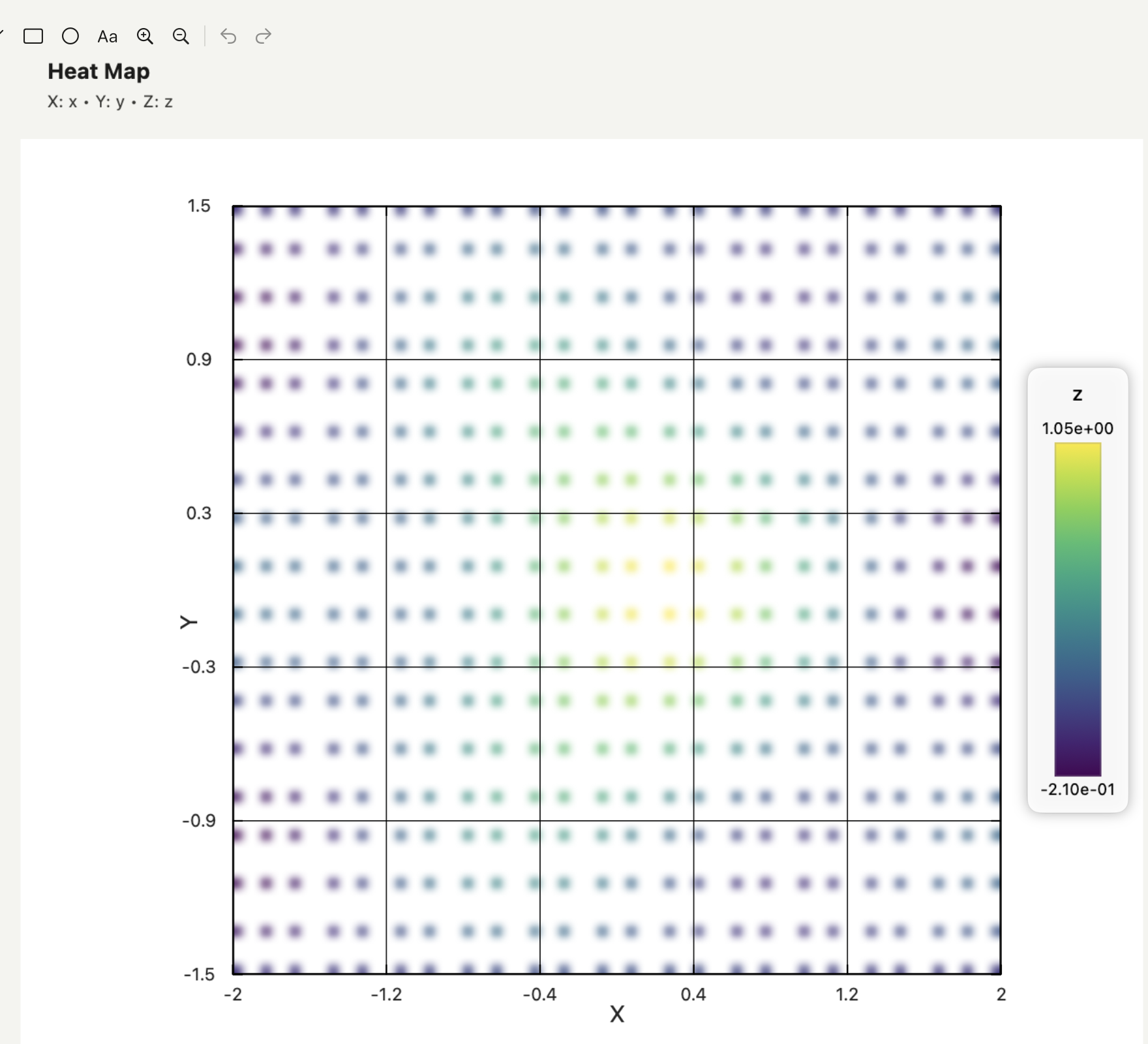
Autoplot's heat maps use rectangular or hexagonal binning with a choice of aggregation (mean, median, sum, min, max, standard deviation or count), masking of sparse bins, colour limits and contours. 3D surfaces and scatter plots sit in the same project.
Multi-panel figures on paper
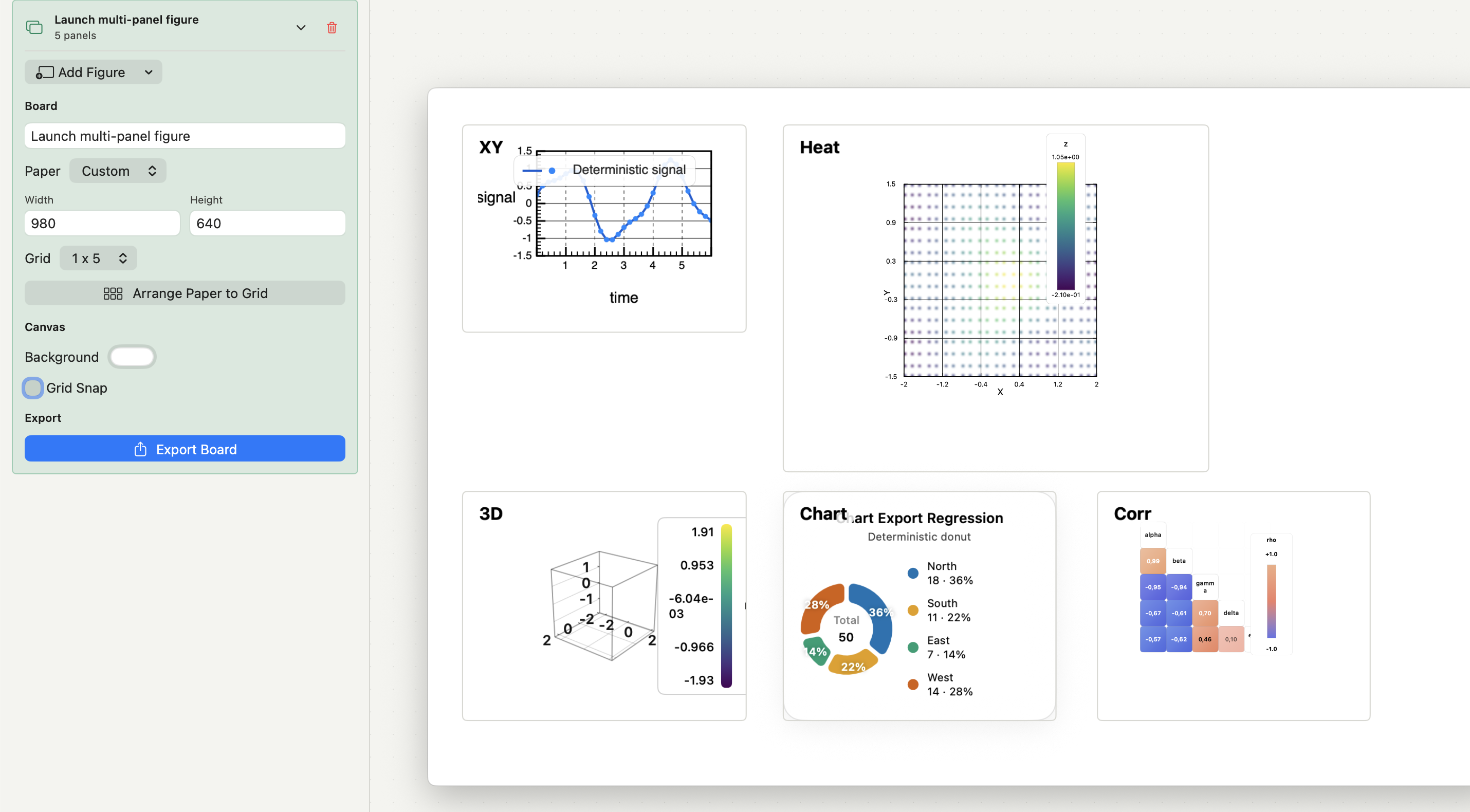
Compose places finished figures on A4, Letter or custom paper, snaps them to a grid, adds panel labels and exports the board as PNG, JPEG or PDF. Figures themselves export as PNG, JPEG or vector PDF with embedded fonts at journal presets. The multi-panel figure guide covers the layout decisions.
Move one Origin graph to Autoplot
- Keep the
.opjuproject, its templates and the Windows virtual machine that opens it. - Pick one representative graph and write down what produced it: fit function, bounds, weighting, data range and excluded points.
- Export the worksheet columns behind it from Origin as CSV, with long names, units and full precision.
- Import the CSV into Autoplot and check the parser preview: delimiter, header row, row count and missing values.
- Rebuild the plot, then the analysis with the matching card. If the fit is a peak, surface or global fit, stop here: it belongs in Origin.
- Compare parameter values, errors and residuals, then export and check the file's size, fonts and line weights.
- Keep what fails the comparison in Origin. If everything passes, the next new project can start natively.
What Autoplot covers, and where it stops
Autoplot is a native Mac app for Apple silicon Macs running macOS 15 or later. The permanent free plan covers X&Y plots, histograms with Gaussian-mixture and custom fits, log-binned distributions and power-law fits. Plus adds heat maps with 2D fits, 3D plots, correlation matrices, categorical charts, Compose and the CCDF, xmin and scaling cards, and is free for the first 30 days. Details are on the features page and pricing.
It does not open .opj or .opju files, does not run on Windows or Linux, and does not replace OriginPro's fitting and statistics catalogue. For a method without a card, the assistant writes Python, runs it on your Mac inside a working folder and keeps the script; you see the code before it runs, and with cloud models only your request and column names leave the Mac.
Frequently asked questions
| Is there a Mac version of OriginPro? | No. OriginLab describes Origin as a native Windows application. On Apple silicon it recommends Parallels Desktop with Windows 11 on ARM. |
|---|---|
| Can Autoplot open Origin .opju files? | No. Export the worksheet as CSV from Origin and import that; graphs and analyses are rebuilt in Autoplot. |
Sources
Autoplot statements are based on the app's documentation for import, heat maps, 3D plots, Compose and the analysis cards, checked on 9 October 2026, and on the features page. OriginLab describes the Mac routes in its Mac guidance and lists Windows requirements in its system requirements. The graph count, fitting, statistics and programming features come from the Origin and OriginPro overview, the OriginPro user guide and the data analysis reference, checked on 9 October 2026.