On this page
Curve-fitting software compared
| Tool | Runs on a Mac | What it can fit | Choose it when |
|---|---|---|---|
| Autoplot | Native, Apple silicon | Linear and polynomial X/Y trends; histogram Gaussian-mixture and custom-formula fits; power-law PDF and CCDF tail fits with an xmin scan; Gaussian or custom density-map and surface fits | Distribution and surface fits should stay in one project with the plots and the export |
| DataGraph | Native | Linear and nonlinear fitting, weighted least squares, fit ranges, parameter bounds, residual extraction | A mature 2D workflow with general nonlinear X/Y fits |
| MagicPlot | Mac builds for Apple silicon and Intel | Nonlinear and multipeak fitting, coupled or locked parameters, weights from Y errors, baseline subtraction, residuals | Peak fitting and spectroscopy-style multipeak models |
| Igor Pro | Last Mac release 9.05, Intel under Rosetta; Igor Pro 10 is Windows | User-defined, constrained, global and multidimensional fitting, plus a programming language | Existing Igor experiments, or global fitting across datasets |
| Origin / OriginPro | Windows only; on a Mac through virtualisation | Broad nonlinear and orthogonal fitting, peak and surface fitting, model comparison | The lab runs Windows, or needs Origin's fitting depth and templates |
| SciPy | Anywhere Python runs | Any model you can code: curve_fit and least_squares with bounds, weights, robust losses and scaling | Custom models, many datasets, and a scripted record; free |
What to check before you choose
Five questions decide most choices; the curve-fitting workflow explains why each matters.
- Data shape. Raw observations, paired X/Y values, binned densities, a distribution tail or a surface?
- Model. Predefined, or your own equation with starting values?
- Constraints. Do parameters need bounds, coupling, fixing or weights?
- Evidence. Which residuals, parameter errors, correlations and sensitivity checks must you keep?
- Record. How will someone else reproduce the range, settings, result and figure?
Rule out any tool that cannot express a required part of that job. A quick fit on screen does not make up for a missing bound or weight.
Where another tool is the better choice
- General nonlinear X/Y regression with bounds and weights in a GUI: DataGraph's manual documents weighted least squares, parameter bounds and residual extraction; MagicPlot documents weights from Y errors and fit intervals. Autoplot has no general bounded nonlinear X/Y fitter card.
- Multipeak fitting with baselines and coupled parameters: MagicPlot is built for it. Keep it for existing
.mppzprojects, which Autoplot cannot import. See the MagicPlot alternative guide. - Global fitting across datasets and a programmable environment: Igor Pro. On current Macs that means 9.05 under Rosetta with no further updates, or Igor Pro 10 on Windows. See the Igor Pro alternative guide.
- The broadest fitting catalogue, peak and surface fitting, and lab templates: Origin, on Windows or in a virtual machine. See the OriginPro alternative guide.
- Custom models at scale, bootstraps and full control: SciPy, in a script you version.
For a 2D plotting workflow that already fits well in DataGraph, read the DataGraph alternative guide before moving anything.
Moving fits between tools
Autoplot does not import Igor .ibw or .pxp, Origin .opj or .opju, MagicPlot .mppz or DataGraph project files. Export the data as CSV or delimited text and import that; Autoplot shows a parser preview before anything is committed.
Then refit one representative dataset in both tools and compare the parameters and the residuals, not only the overlay. Two similar curves can come from different models, weights, ranges or constraints. The guide to interpreting residual plots shows what to compare, and nonlinear curve fitting explains why starting values can make two correct tools disagree.
What Autoplot fits, and where it stops
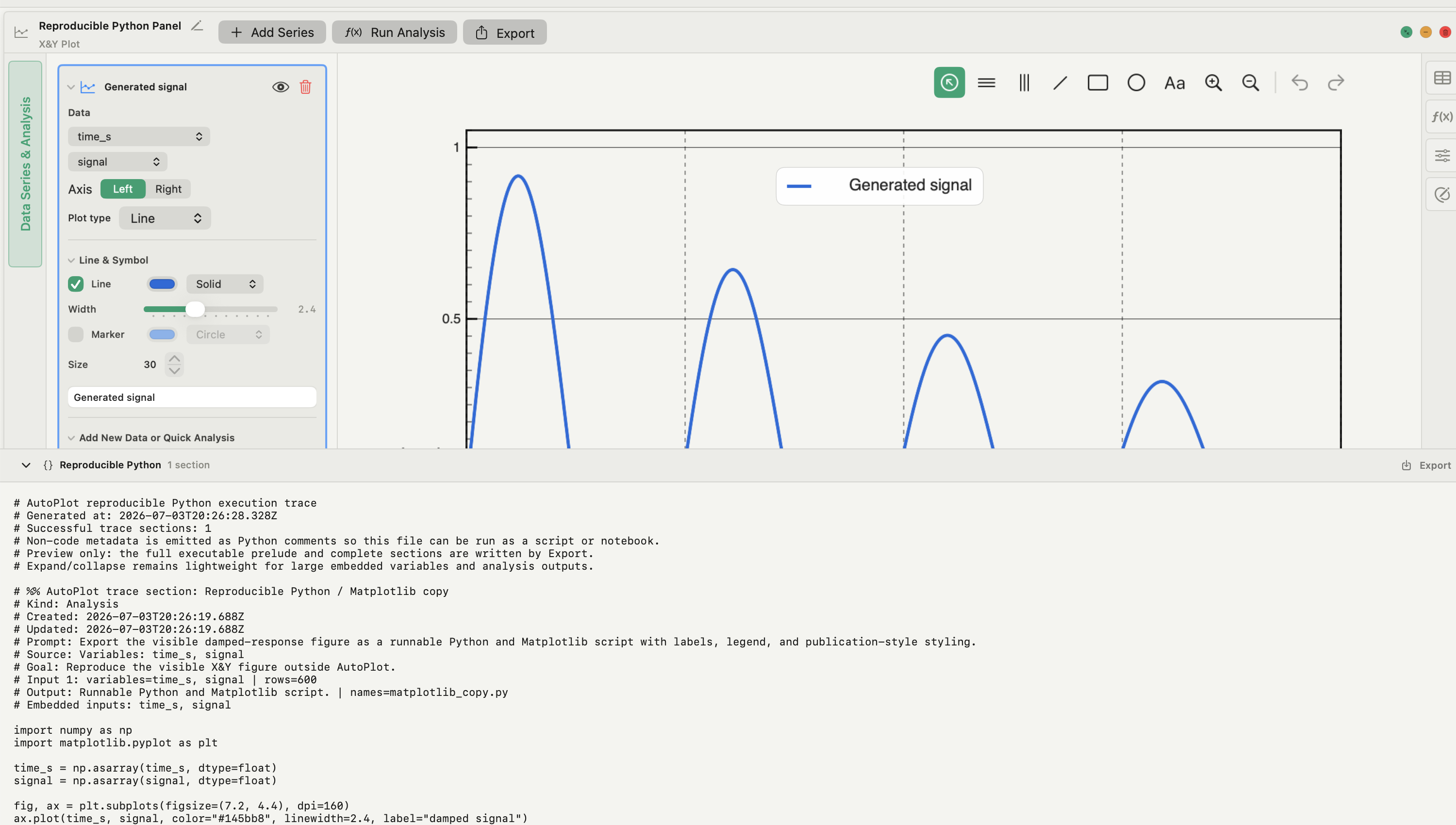
Autoplot is a native Mac app for importing, analysing, plotting and exporting scientific data, with fits as cards beside the figure:
- X&Y plots (free): linear and polynomial trend overlays over a chosen interval.
- Histogram fit (free): nonlinear least squares on bin centres and densities, 1–3 Gaussian components or a predefined or custom formula with starting guesses; fitted parameters with errors and R², and Export Fit Function for a reusable derived function.
- Power-law PDF fit (free): a least-squares slope in log–log space on the log-binned PDF, plus a truncated power law via SciPy's
curve_fit. It is not a maximum-likelihood estimate. - CCDF tail fit and xmin diagnostic (Plus): tail models from the
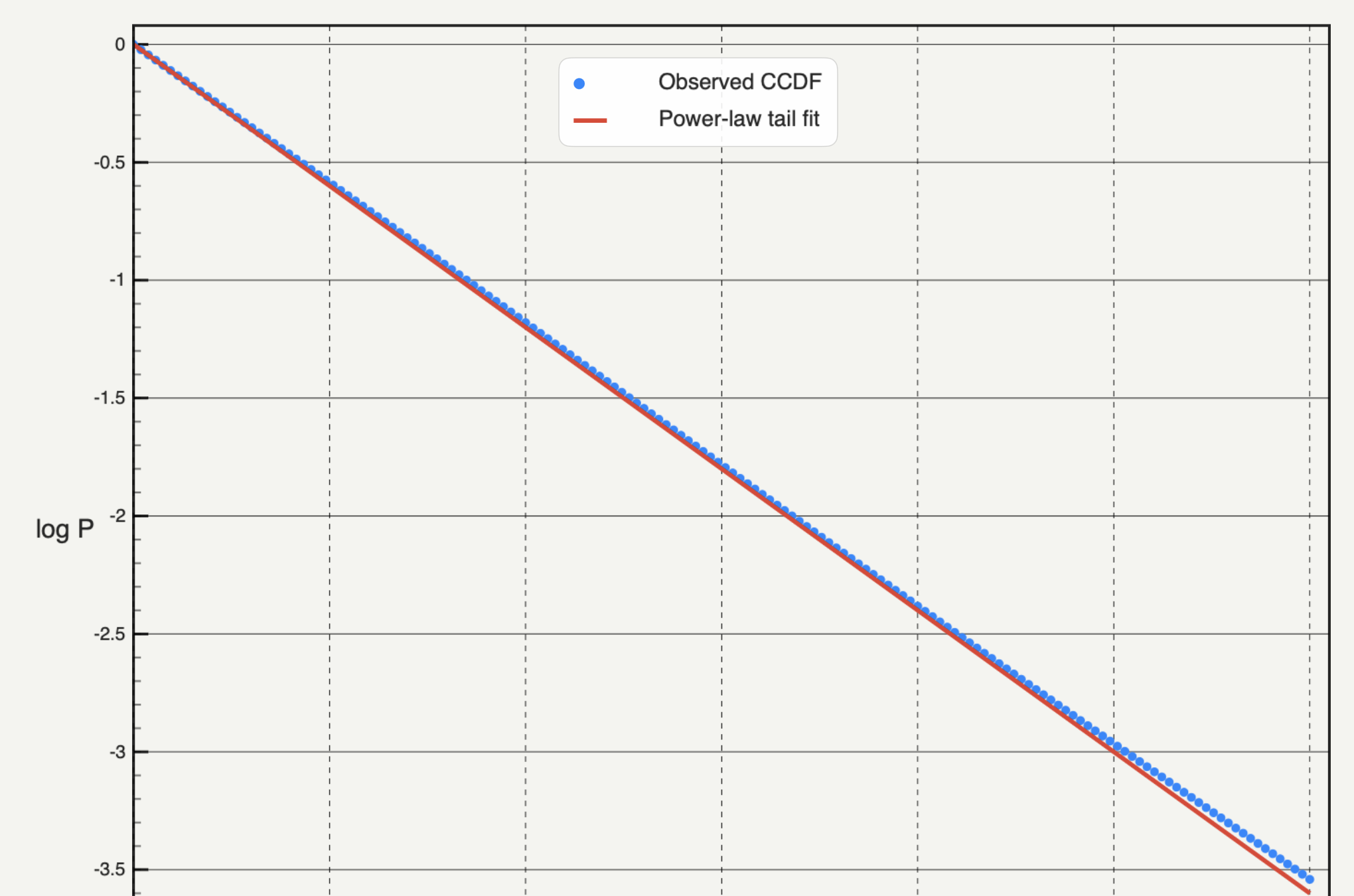
powerlawlibrary, and a Kolmogorov–Smirnov scan over candidate cutoffs. See power-law fitting. - Density-map and surface fits (Plus): Gaussian or custom 2D fits on heat maps.
The cards do not take user-set bounds or per-point weights, and there is no general nonlinear X/Y fitter card. For a custom model, ask the assistant: it writes the SciPy code, shows it before it runs, runs it on your Mac and keeps the script. With cloud models only your request and column names leave the Mac, never the values. See the features page and pricing.
Frequently asked questions
| Is there free curve-fitting software for Mac? | SciPy is free and fits any model you can write in Python. Autoplot's free plan, which never expires, includes X&Y trends, histogram fits and the power-law PDF fit. |
|---|---|
| Does Origin run on a Mac? | Not natively. OriginLab describes Origin as a Windows application and supports Mac users through virtualisation, such as Windows 11 on Arm in Parallels on Apple silicon. |
| Can I still use Igor Pro on an Apple silicon Mac? | Yes, Igor Pro 9.05 runs under Rosetta 2, but WaveMetrics has ended Mac development and it receives no further updates. Igor Pro 10 is Windows only. |
Sources
Autoplot behaviour comes from the app's documentation for X&Y data operations, the histogram fit, the power-law PDF and CCDF fits, the xmin diagnostic, the heat-map fits and the assistant, checked on 9 October 2026, and from the features page. DataGraph's fitting features come from the DataGraph 5.4 manual. MagicPlot's from its official site and fitting documentation. Igor Pro's platform status from WaveMetrics' platform support page and macOS announcement, its capabilities from the getting-started documentation. Origin's from OriginLab's Mac guidance and data-analysis reference. SciPy's from the curve_fit and least_squares references. Vendor facts were collected for the comparison guides in September 2026; check the vendor's current documentation before a purchase.